A ViralToon AI faceless channel is easy to imagine and harder to run, so this post gives you a plain 30-day plan you can follow whether you use the app or not. ViralToon AI is a web app that, per its vendor Akshat Gupta, turns a story idea or script into an animated episode of up to 5 minutes with a storyboard, characters, narration and music, without you recording, drawing or appearing on camera. The plan below uses the app’s 30-day refund window as a deadline, so you decide with real episodes in front of you. Read our ViralToon AI review for pricing and the vendor’s claims we could not verify.
MMO Maker is an affiliate for ViralToon AI and earns a commission on purchases through our links, at no extra cost to you, in line with the FTC’s endorsement guidelines. That does not change what we write here. Everything about the product comes from the vendor’s own sales page, JV page, JV documentation and checkout pages, and we have not tested it hands-on.
Before day 1: what you are really testing
A faceless cartoon channel has three jobs: make episodes, get them seen, and keep making them. A tool like ViralToon AI only helps with the first job. It does not bring viewers, and it does not choose a niche for you. So the 30 days are a test of two things: can you produce episodes you are proud of with this tool, and does a small audience show up for them.
Write down two sentences before you start. First: who the episodes are for, for example parents of toddlers who want calm bedtime stories. Second: what each episode gives them, for example a short kind story with a clear lesson. If you cannot write those sentences, the tool will not fix that.
Week 1: pick one niche, one format, one pilot episode
The vendor lists these channel types for the app: bedtime stories, moral tales, animal adventures, learning videos and mini-movies. Pick one, not five. A narrow channel is easier to describe, easier to title and easier to recognise.
- Day 1 to 2: choose the niche and write your two sentences. Look at a handful of channels in that niche and note what their titles and thumbnails have in common. Do not copy anyone, just learn what viewers expect.
- Day 3: write a simple story shape you can reuse: a character, a small problem, three tries, a gentle ending. Reusable shapes make episodes faster and keep your channel consistent.
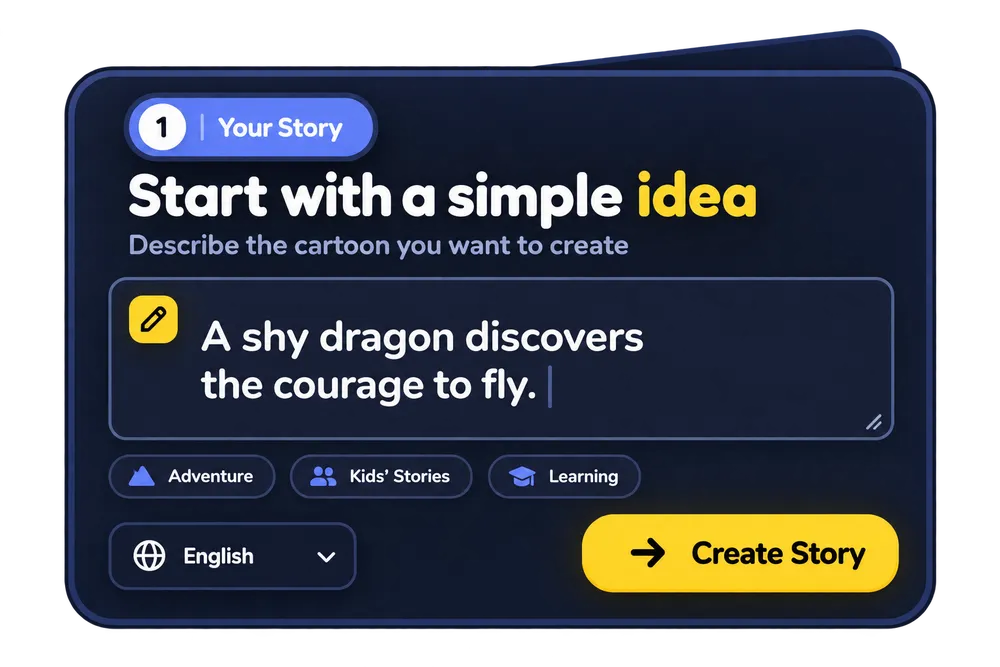
- Day 4 to 5: make one pilot episode. Type a one-line idea or paste your own script, pick a style and generate. The vendor’s own example is a shy bunny learning that making friends takes courage.
- Day 6 to 7: watch the pilot as a stranger would. Note anything that breaks the spell: characters that change, a voice that does not fit, a scene that drags.
Four story shapes that suit a faceless cartoon channel
Reusable shapes make a channel feel like a channel. Here are four that fit short kids’ episodes, and each can carry a different lesson without becoming preachy:
- The small problem: a character wants something simple, runs into a snag, tries three ways, and finds a kind solution.
- The helper: a character notices someone who needs a hand and has to decide whether to help, and what it costs them.
- The mistake: a character gets something wrong, feels bad, says sorry and puts it right.
- The curious question: a character asks why something works, and the episode explores the answer in a way a young viewer can follow.
Pick one shape for your pilot and use it again for the next two episodes. Changing the character and the setting while keeping the shape gives viewers something familiar and something new in every video.
Week 2: the consistency test and three episodes
Characters that change faces between scenes are the most common complaint about AI video, and the vendor says its consistent character engine solves it. Do not take that on trust. Run one test: make an episode with two characters across at least five scenes, then check the faces, outfits and colours scene by scene. If the characters hold, you can build a channel around them. If they do not, you have your answer well inside the refund window.
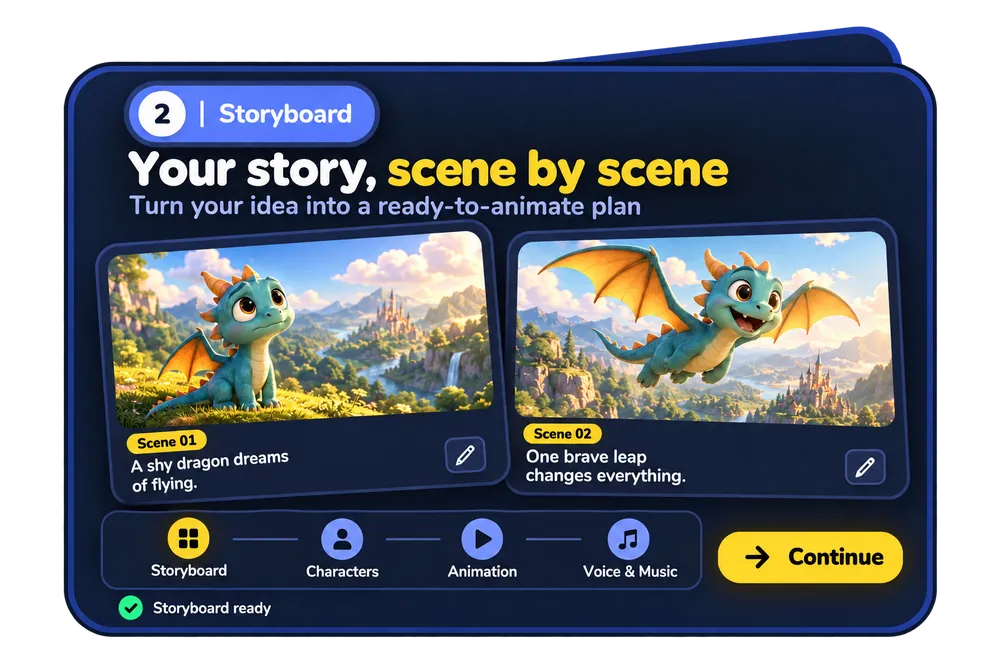
If the test passes, make three episodes in the same format. Use the storyboard step to see the scenes before you generate, and use the scene and timing editor to fix anything that is off. The vendor also lists a character swap feature, which lets you change the hero without rebuilding the whole episode.
Week 3: titles, thumbnails and a publishing rhythm
A good episode with a vague title is invisible. Write the title for a person searching, not for yourself: say what the story is and who it is for. Keep thumbnails simple, with one clear character and very few words. Pick a rhythm you can keep, such as two episodes a week, and put it on a calendar. Consistency beats bursts.
Before you publish, read the platform’s current rules for children’s content and AI-generated content. YouTube, for example, asks you to say who a video is for in its audience settings, and that choice changes what features the video can use. Label AI content where the platform asks you to, and do not make claims about education or health that you cannot support.
The vendor says the app comes with a commercial license, which it describes as covering videos you create for clients and for your own channel. Read the license terms on the vendor’s page yourself before you rely on them, especially if you plan to sell videos to others.
Week 4: look at the numbers, then decide
By day 21 you should have a few episodes live. Do not expect results from three videos. Instead, ask better questions:
- Did people who clicked actually watch, or did they leave in the first seconds?
- Which title and thumbnail style got the most clicks, and which story shape kept people longest?
- Did making the next episode get faster, or is each one still a fight with the tool?
- Would you be happy making this every week for six months?
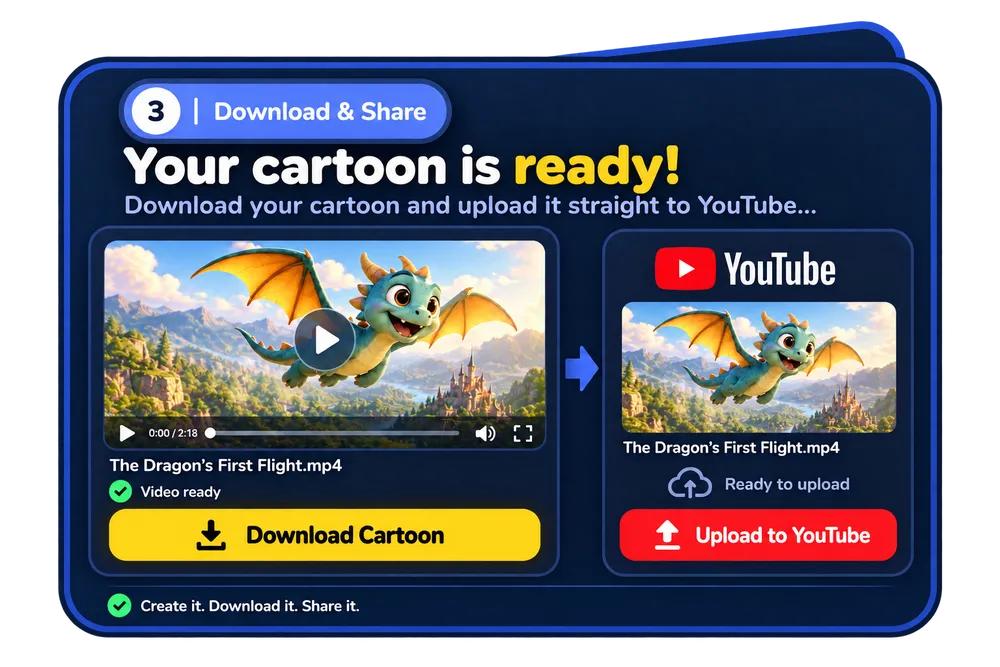
Set a reminder for day 25. If the episodes do not meet your standard, or the characters do not hold, ask for the refund while it is still available. The vendor states a 30-day refund on the sales page and the checkout page, and you should read the exact terms there. If the episodes are good and you are enjoying the work, keep going and add one improvement at a time.
What this plan does not promise
It does not promise views, subscribers or income. Faceless channels are crowded, and a tool that makes video quickly also helps everyone else make video quickly. What gives a channel a chance is a clear niche, a repeatable story shape, honest titles and patience. ViralToon AI can shorten the production side. The rest is yours.
A quick checklist to copy
- Write two sentences: who it is for and what each episode gives them.
- Pick one niche and one story shape.
- Make one pilot episode and watch it as a stranger.
- Run the five-scene consistency test with two characters.
- Make three episodes in the same format.
- Write titles for searchers and keep thumbnails simple.
- Check the platform’s rules for children’s and AI content before publishing.
- Review the numbers on day 21 and decide before day 25.
If you want to see what the app costs and what each upgrade adds, our ViralToon AI review has the pricing, the coupon code and the pros and cons. For more tools worth comparing, see our guide to the best AI tools for affiliate marketing.
ViralToon AI faceless channel: frequently asked questions
Do I need to show my face or record my voice?
No. Per the vendor, ViralToon AI needs no face on camera, no voice recording, no animating and no drawing skills. The app writes narration and music for you, and you can replace the voice.
How long can an episode be?
The vendor says full animated episodes up to 5 minutes, not short clips. Whether the result looks right is what the 30-day refund window is for, and we have not tested the output.
Will my characters look the same in every scene?
The vendor says its consistent character engine keeps the same face, outfit and look in every scene. We have not verified that, so test it with your own story in the first week. Our post on ViralToon AI recurring characters shows how to run that test.
Can I earn money from a cartoon channel?
Some creators earn from channels and some do not, and no tool can promise views, subscribers or income. Treat the first 30 days as a test of whether you can make episodes you are proud of and whether anyone watches.
Is it safe to publish kids’ videos made with AI?
Platforms have specific rules for content made for children and for AI-generated content. Read the current rules before you publish, label your videos where the platform asks you to, and do not make claims you cannot support.
Do I need the upgrades?
No. The front end is described as a complete product with a commercial license. Our ViralToon AI OTO guide goes through the seven upgrades if you want to look later.