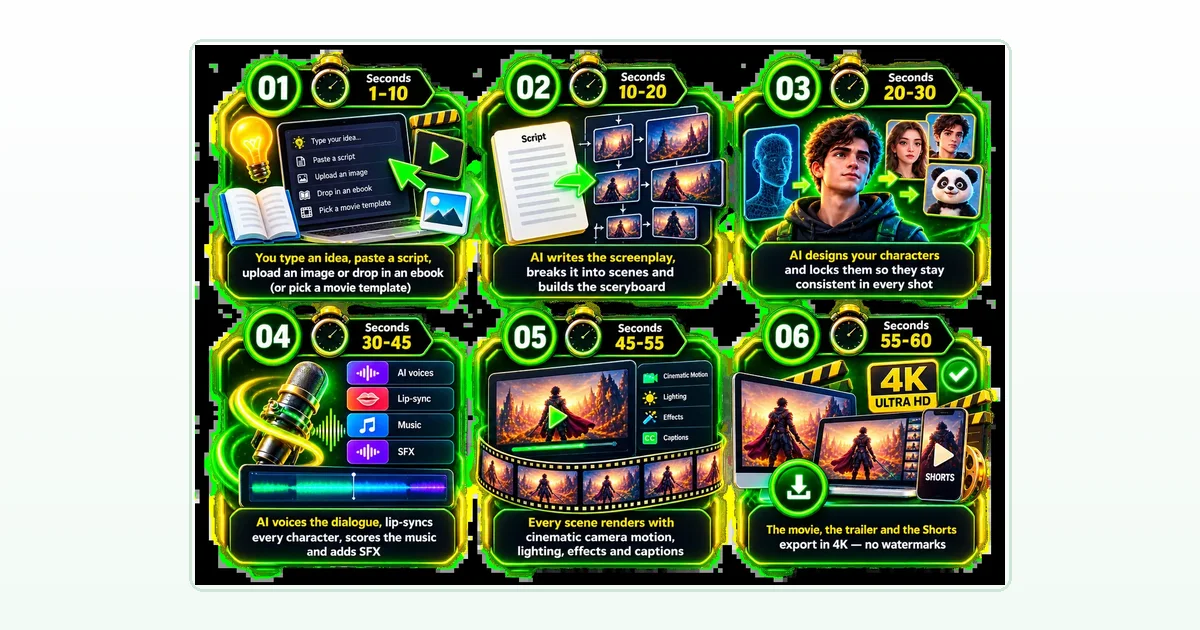
The first question every buyer asks is simple: is Unlimited Movie really unlimited? The vendor’s sales page says you can hit generate 10 times or 10,000 times with no credits, no per-second billing, no caps and no watermarks, for a one-time $14.95. That is a strong claim for an AI video product, so this guide looks at what the vendor’s own pages say about the limits, including one page that is more specific than the sales page. We have not tested the app, so everything here is the vendor’s claim, plus checks you can run yourself.
Read the full Unlimited Movie review first if you want the price, bonuses and rating in one place, and see our guides to the best AI tools for affiliate marketing and the best AI tools for making money online for the wider picture.

The short answer: is Unlimited Movie really unlimited?
Partly, and the vendor says so. So is Unlimited Movie really unlimited? In how many movies you make, the vendor says yes. In how big, fast and polished each movie can be, its own first upgrade page says the front end runs in a Standard Mode with limits, and that the paid MAX upgrade lifts them. That is a reasonable way to sell a product, as long as you know where the line sits before you buy.
What the vendor’s sales page says about unlimited
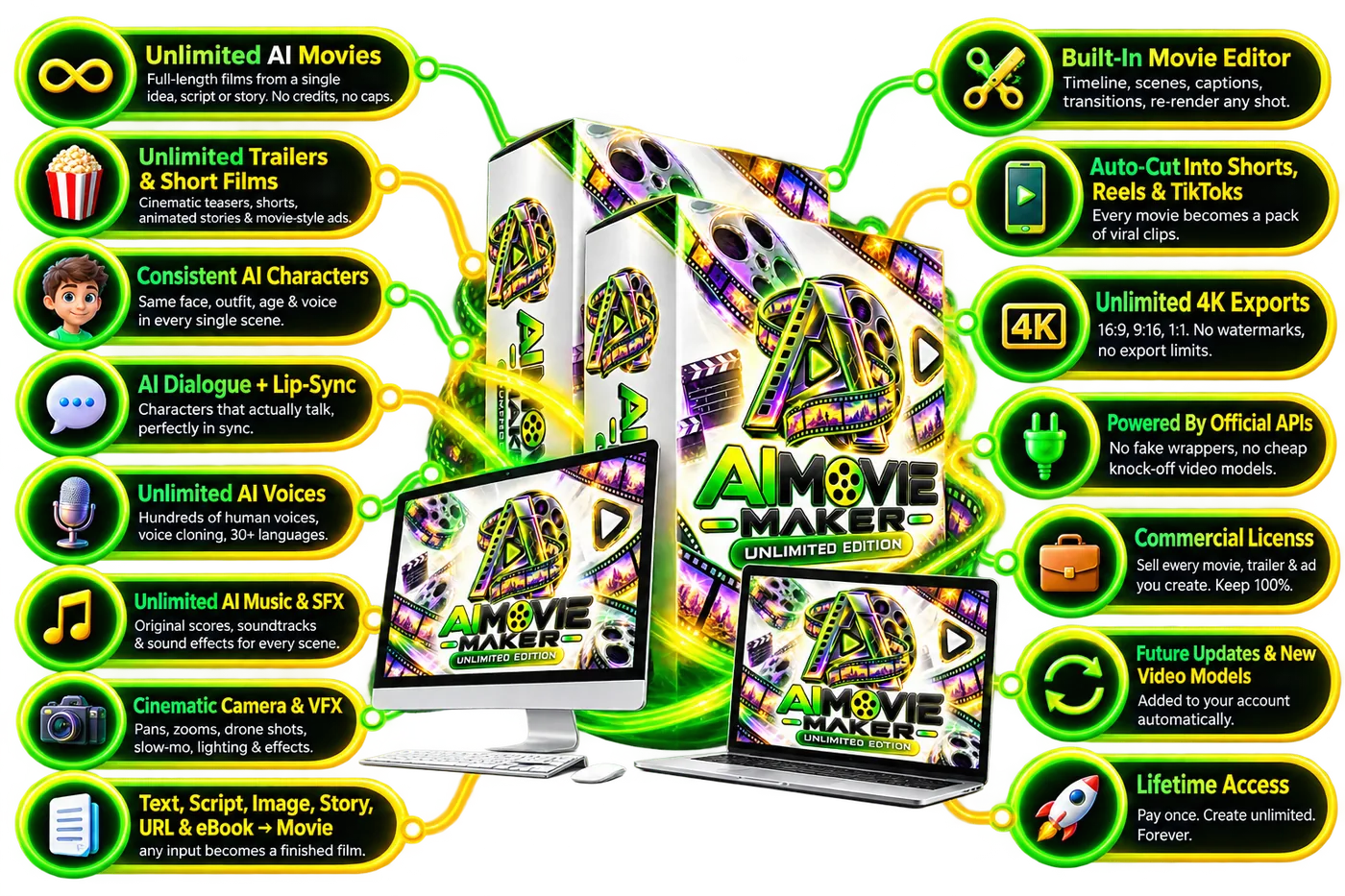
The sales page leans hard on one word. It says there are no credits, no per-second billing, no caps, no monthly fees and no watermarks, that renders, voices, music, exports, projects and workspaces are unlimited, and that you can hit generate as many times as you like. It also argues that other AI video tools meter you by the second while this one removed the meter, and it names official APIs behind the app. We cannot see how the app is paid for behind the scenes, so we treat all of this as a claim.
What the first upgrade page adds about Standard Mode
The first upgrade page is the most detailed source on the limits, and it is the vendor’s own page. It says your studio is currently running in Standard Mode and lists what that means:
- Movies are built scene by scene, so you stitch a feature together one block at a time.
- Renders run in a shared lane, so at peak hours your scene waits behind everyone else’s.
- Shots are up to 15 seconds each, in 4K at 30 frames per second.
- The cast per film is small, which the page calls tight for an ensemble feature.
- The voice library is the standard one, with hundreds of voices in 30+ languages.
- The VFX pack is the starter one, with transitions, film looks and basic effects.
- Publishing is manual, so you download and upload to each platform yourself.
The page then says none of that limits how many movies you make, only how big each one can be. Taken at its word, that matches the unlimited claim. It also means the sales page headline and this page describe the same product in very different levels of detail.
What the MAX upgrade changes
Per the vendor’s page, the MAX upgrade removes those Standard Mode limits. Silver lists feature-length mode, a private render lane about five times faster, 8K cinema models, unlimited cast, motion capture, a MAX voice library and batch render. Gold adds series mode, MAX sound, the full VFX lab, auto-publish, a MAX template and B-roll and script vaults and priority support. It costs $37 for Silver or $47 for Gold. The page says it never adds credits or a meter. Whether you need it depends on what you plan to make, and our guide to the Unlimited Movie OTO upgrades covers all eight.
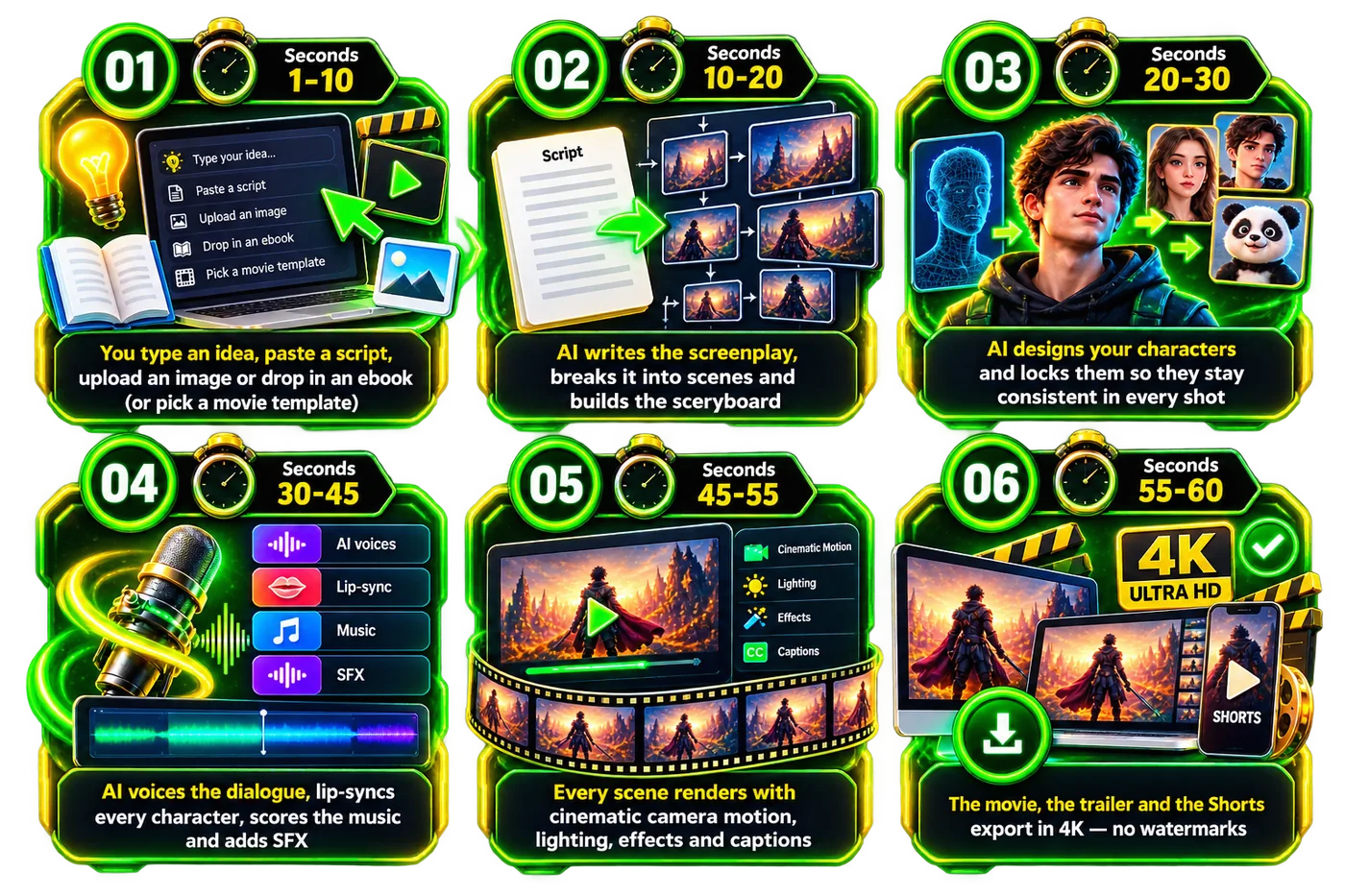
Eight checks to run before you trust the word unlimited
These are our suggestions, not vendor instructions. Run them in the first week, inside the 30-day refund window, and you will know more than any sales page can tell you.
Check the shot length
The vendor’s first upgrade page says Standard Mode shots run up to 15 seconds each. Make a scene that needs a longer take and see how the app handles it.
Time a render at a busy hour
The same page says renders run in a shared lane that can wait behind other members at peak hours. Render the same scene at two different times and note the wait.
Test a multi-character scene
Standard Mode is described as having a small cast per film. Add more characters than a short needs and check whether faces and voices stay consistent.
Build a longer piece scene by scene
Movies are built scene by scene in Standard Mode, so a three-minute film means stitching blocks together. Judge whether that fits how you work.
Check the export
The sales page says 4K, no watermark and unlimited downloads. Export a finished scene and confirm the resolution and that there is no watermark.
Read the terms
The vendor links Terms and Conditions and a Disclaimer on every page. Read them for any fair-use or usage wording before you rely on unlimited output.
Check the license for client work
The vendor says a commercial license is included. Read it before you sell a movie or ad to a client, and check each platform’s rules for AI-made video.
Use the refund window
The vendor offers 30 days. If the limits above block the work you bought it for, ask for the refund inside that window.
What unlimited does not mean
Unlimited does not mean every output will look the way you imagined, that a render will always be instant, or that a movie will get views or earn money. The vendor itself says results are not typical and vary. AI video quality depends on your prompt and the model behind it, and platforms have their own rules on AI-made content. A tool with no meter lets you try again without paying again, which is useful, but it is not a promise about the result.
Who the limits matter to
- Short-form creators: 15-second shots and a small cast may be enough for trailers, ads and Shorts.
- Series and channel owners: scene-by-scene building matters more when you plan many long episodes.
- Agencies: a shared render lane at peak hours can matter when a client deadline is close.
- Beginners: the front end is probably plenty for a first project, and an upgrade can wait.
Frequently asked questions about whether Unlimited Movie is unlimited
Is Unlimited Movie really unlimited?
The vendor says you can make unlimited movies with no credits or caps. Its own first upgrade page adds that the front end runs in a Standard Mode, with scene-by-scene building, a shared render lane, shots up to 15 seconds and a small cast, and says the limit is on how big each movie can be, not how many you make.
What does Unlimited Movie not limit?
Per the vendor, the number of movies, scenes, voices, tracks, exports, projects and workspaces. It also says there are no per-second charges and no watermarks.
What does Unlimited Movie Standard Mode limit?
Per the vendor, movies built scene by scene, a shared render lane at peak hours, shots up to 15 seconds, a small cast per film, the standard voice library, a starter VFX pack and manual publishing.
Does the MAX upgrade add credits or a meter?
No, per the vendor. The MAX page says it adds features and never adds a meter. It lists feature-length mode, a private render lane, 8K models, unlimited cast and more.
Can I test the limits before paying more?
Yes, in principle. Buy the front end, run the checks in this guide inside the 30-day refund window and decide on any upgrade only after you have hit a real limit.
Is there any fair-use wording?
We did not find fair-use wording on the sales page, but the vendor links Terms and Conditions that we could not review as part of this guide. Read them before you rely on heavy use.
Final word: is Unlimited Movie really unlimited?
So is Unlimited Movie really unlimited? In the number of movies, the vendor says yes, and its own upgrade page is open about the size, speed and cast limits of Standard Mode. That candour is a good sign, and it is also the reason to run the checks above. For the price, the bonuses and our rating, read the Unlimited Movie review, and for the discount codes see our coupon codes guide.
MMO Maker is an affiliate for Unlimited Movie and earns a commission on purchases through our links, at no extra cost to you, in line with the FTC’s endorsement guidelines. That does not change what we write here. Everything about the product comes from the vendor’s own sales page, JV page, JV documentation and upgrade pages, and we have not tested it hands-on.