
To sell AI websites to local businesses as a beginner, you need three things: a tool that builds fast, a small clear offer, and a way to talk to the owner. GeminiPrime AI, per its vendor, is a Gemini-based workspace with a commercial license, and its sales page points at local businesses as a market. This guide gives you a realistic starter plan: what to offer, how to build, how to find your first conversations, and what to avoid. It does not promise income, because no tool can. For the full product picture, read our GeminiPrime AI review.
MMO Maker is an affiliate for GeminiPrime AI and earns a commission on purchases through our links, at no extra cost to you, in line with the FTC’s endorsement guidelines. That does not change what we write here. Everything about the product comes from the vendor’s own sales page, JV page, JV documentation and checkout pages, and we have not tested it hands-on.
The honest starting point for selling AI websites
A tool that builds a website in minutes does not give you customers. What it gives you is speed, so you can do a small job in an afternoon instead of a week. Everything else, finding the owner, explaining the offer, taking feedback and getting paid, is still your work.
The vendor’s own materials say the sales page income figures are not a promise. Take the same view. Think of this as a small service business you are testing, with a 30-day guarantee on the tool as your safety net.
Step 1: pick one narrow offer
When you sell AI websites to local businesses, the offer is the product, not the tool. Owners do not care which model wrote the first draft. They care whether the page loads on a phone, shows the right hours and gets the phone to ring.
A beginner who offers “AI services” sounds vague. A beginner who offers “a simple one-page website for your salon, ready in 48 hours” sounds clear. Pick one thing and describe it in one sentence.
- A one-page website with a contact button and a map.
- A landing page for one service or one event.
- A small content pack, for example a month of social posts and a set of service descriptions.
- A refreshed text and layout for an old site, without changing the whole thing.
Stay with one offer for your first few clients. You can widen the list once you know what you can deliver well.
Step 2: choose one type of local business
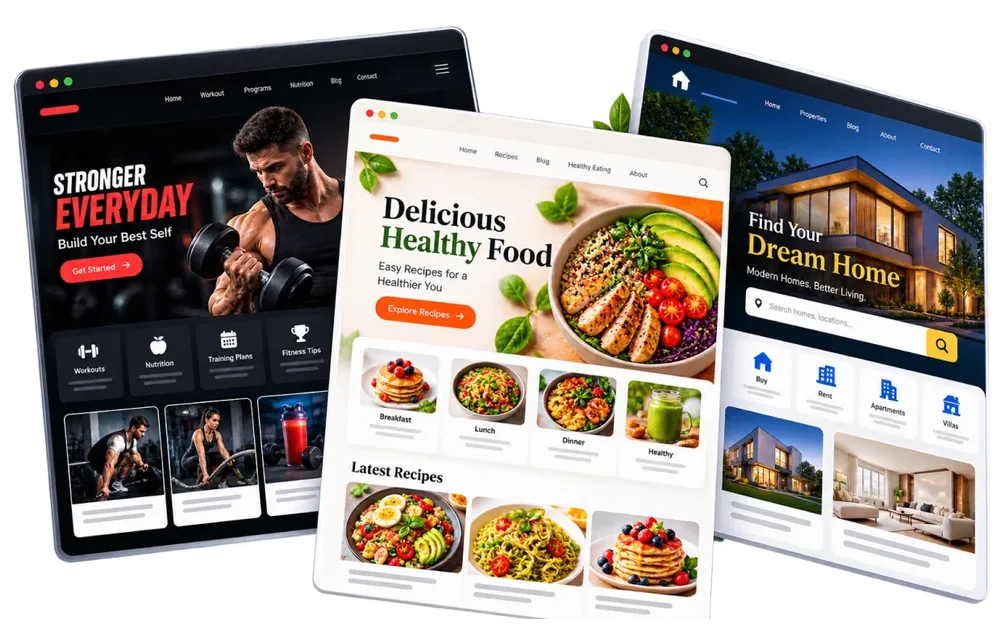
The vendor’s sales page lists 15 kinds of local business as example clients, including restaurants, gyms, salons, real estate agents, dentists, coaches and accountants. That is a list of ideas, not proof that any of them will buy from you. Pick the one you understand best, because you can then speak their language and spot what their current website is missing.
Step 3: build a sample first, with no client
Do not pitch with only words. Build one sample for a type of business, using your own made-up business name or a clearly labelled demo. Then you have something to show.
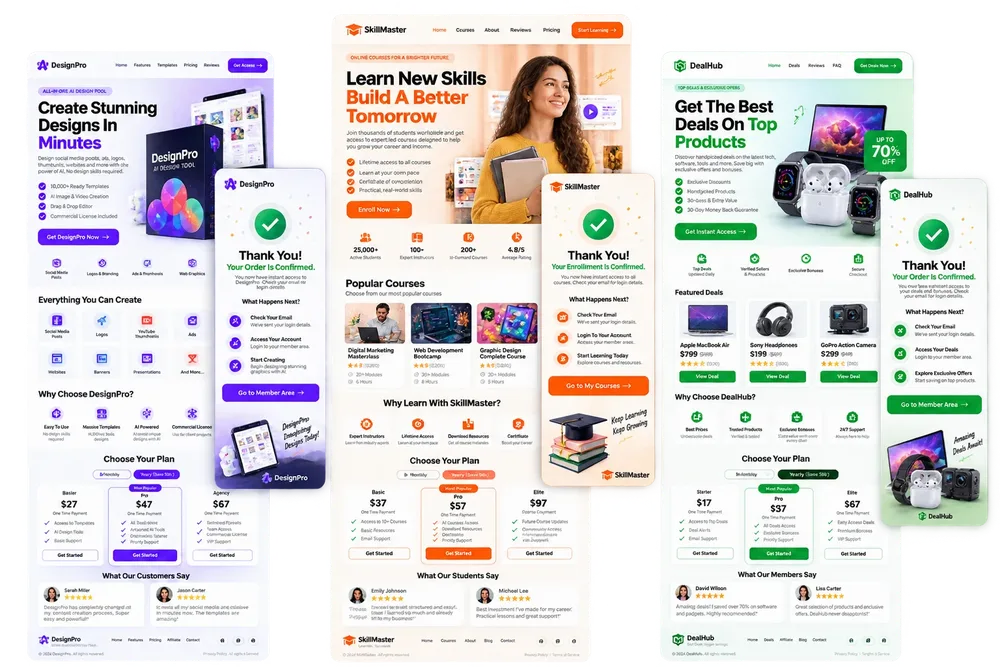
The vendor describes websites, landing pages, funnels and web apps as things the workspace is meant to produce, and the front end links the site-building tool Antigravity with the Gemini models. Use it to draft the structure, text and images, then edit by hand. Never publish output you have not read from top to bottom.
Step 4: edit like a professional
- Check every fact: opening hours, address, phone number, prices and names.
- Replace stock-looking text with the owner’s real words and real photos where you can.
- Check the page on a phone first. Most local customers will see it there.
- Make the next step obvious: a call button, a booking link or a form.
- Keep a simple checklist so every site you deliver gets the same checks.
AI gets you a first draft quickly. The edit is what separates a site you can charge for from one that looks like everybody else’s.
Step 5: find your first conversations
Most people who sell AI websites to local businesses stall here, not at the building step. Keep the first message short, specific and kind. You are offering help with one visible problem, not a pitch for a whole service.
Start small and local. You do not need a big list; you need five good conversations.
- Walk or scroll through your area and list ten businesses with a weak or missing website.
- For each, write down one specific thing you would fix, for example no phone button on mobile.
- Send a short, polite message or visit in person. Mention that one thing and offer a free sample page.
- Keep a simple sheet of who you contacted, when and what they said.
- Follow up once after a few days. Then move on.
The vendor also mentions listing services on Fiverr, Upwork or directly. Marketplaces have their own rules about AI-assisted work, so read them before you list.
Step 6: be honest about AI and about results
A small tip on pricing: write your price per package, not per hour, and put what is included in plain words. Check what local freelancers in your area charge, and start with a package you can finish comfortably.
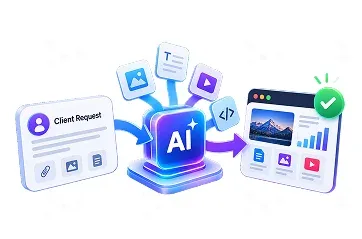
Tell clients you use AI tools to speed up the work, that you edit everything yourself, and exactly what they get. Do not promise rankings, sales or traffic. A website is a foundation, not a guarantee.
Put the scope in writing: how many pages, how many rounds of changes, who owns the files at the end and what happens after launch. Clear scope protects you and the client.
What the tool gives you, and what it does not
- It gives you: a fast first draft, images, text, a commercial license per the vendor, and a 30-day guarantee on the tool.
- It does not give you: a client list, trust, good judgement about design, or a promise that anyone will pay.
- It may help with: the add-on and bonus templates, such as outreach messages and funnel structures. We have not opened them, so judge them yourself.

Do you need the upgrades for this?
No. The front end is the product, and it carries the commercial license per the vendor. Some upgrades, such as Agency, are aimed at people serving clients at scale, but with no clients yet you have no basis for judging them. Our GeminiPrime AI OTO guide explains what each upgrade likely adds and who can skip it.
A 30-day starter plan
- Week 1: read the terms and the license, build one sample site, and fix it by hand.
- Week 2: build a second sample for a second type of business, and write your one-sentence offer.
- Week 3: contact ten local businesses with a specific note each. Offer a free sample page.
- Week 4: deliver anything you win, take notes on what took longest, and decide whether the tool earned its place.
Check whether the tool earns its place before the refund window ends. Our guide to testing an unlimited AI claim in a 30-day refund window shows how to score it. For wider options on making money with AI, see our guide to the best AI tools for making money online.
Sell AI websites to local businesses FAQ
Can a beginner really sell AI websites to local businesses?
It is possible, and the vendor’s materials point at this market, but no result is guaranteed. You still need to find businesses, show them a clear offer, deliver work they are happy with and handle questions. The tool speeds up the building, not the selling.
Does the GeminiPrime AI license allow client work?
The vendor says the front end includes a commercial license, so you can create for clients and keep the profit. Read the license text inside the members area before you take a paid job.
How much should I charge a local business?
We cannot give you a price. The vendor’s pages say businesses pay $100 to $1,000+ for the things you can create, and we cannot verify that figure. Check what local freelancers charge in your area and start with a clear, small package.
What should my first offer be?
One thing, finished fast: a one-page website, or a Google business profile post pack, or a month of social posts. A small offer is easier to explain and to finish.
Do I need to tell clients I used AI?
Honesty is the safe habit. Tell clients that you use AI tools to speed up the work, that you edit everything yourself, and what they get. Rules can vary by client, platform and country, so check the terms of any marketplace you use.
Which local businesses should I start with?
The vendor’s sales page lists 15 kinds of local business as example clients, including restaurants, gyms, salons, real estate agents, dentists, coaches and accountants. That is the vendor’s idea of a market. Start with the type you understand best.
Do I need the OTOs to do client work?
No. The vendor describes the front end as the product, and it includes the commercial license. Some upgrades are aimed at agencies, so ask what they add before you buy.
Our take
Selling AI websites to local businesses is a normal freelance route with a faster toolbox. The tool is the cheap part. The hard parts are talking to owners, delivering something you would be proud of and keeping your promises small. Start with one offer and a few conversations, and judge the tool by what it helps you finish. For the rating, pros, cons and bonuses, read our GeminiPrime AI review.