How To Start A Paid Membership On Whop As A Beginner (Without Building Everything By Hand)

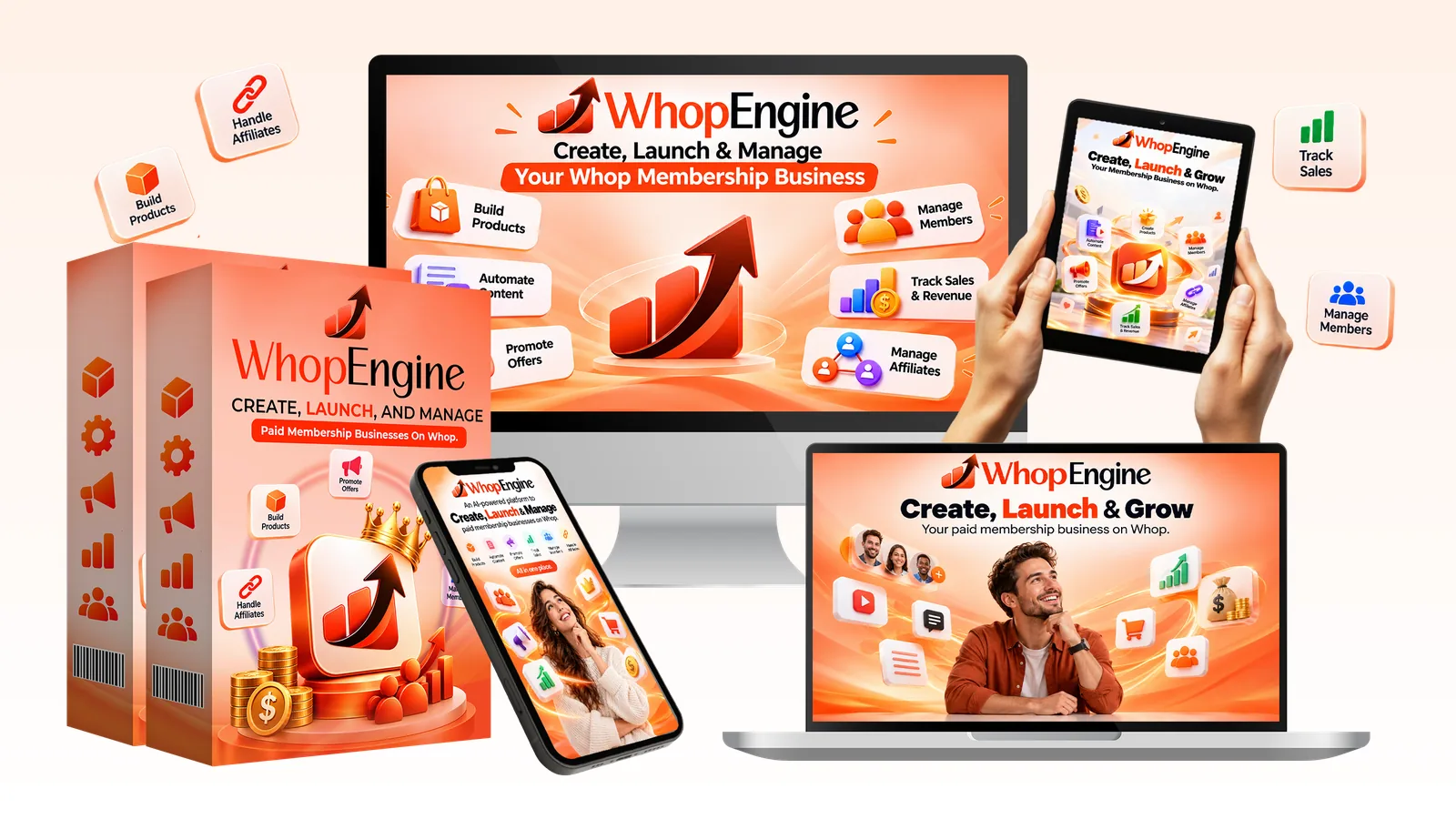
If you want to learn how to start a paid membership on Whop but you have no course, no community and no audience, the first problem is not choosing a niche. It is that a membership has several moving parts, and each one takes time. This guide breaks them down so you can see what to build, in what order, and where a tool like Whop Engine fits.

What a paid membership on Whop actually needs
Whop is a platform where people sell memberships, communities, courses and digital products. The vendor of Whop Engine cites it as valued at about $1.6 billion with 18 million users, which are figures from third-party reports on the vendor’s sales page and not something we checked. What matters for you is the list of parts a membership needs before anyone can join:
- An offer: who it is for, what they get and why it is worth paying for every month.
- A price and a billing model: one-time, monthly or a free trial.
- Something to join: a welcome course, a community or both.
- Fresh content every week, so members have a reason to stay.
- A name, a logo and store images.
- A way for buyers to find you: your own promotion, Whop’s Discover marketplace and affiliates.
Step 1 of how to start a paid membership on Whop: pick a niche you can serve for months
A membership is a long promise. Choose a topic you can talk about weekly without running dry. The Whop Engine sales page lists 24 niches it calls hot on Whop, from side hustles and AI tools to fitness, language learning and parenting, and says you can use any other. Some of them, such as trading, health and dating, carry extra platform and legal rules, so read Whop’s policies before you launch in one.
Step 2: write the offer in one sentence
Finish this sentence: “I help [who] get [result] with [what they get each month].” If you cannot, the offer is not ready. An AI blueprint tool can draft the name, buyer persona, headline and description, but you decide whether it is true.
Step 3: build the welcome course and the first four weeks of posts
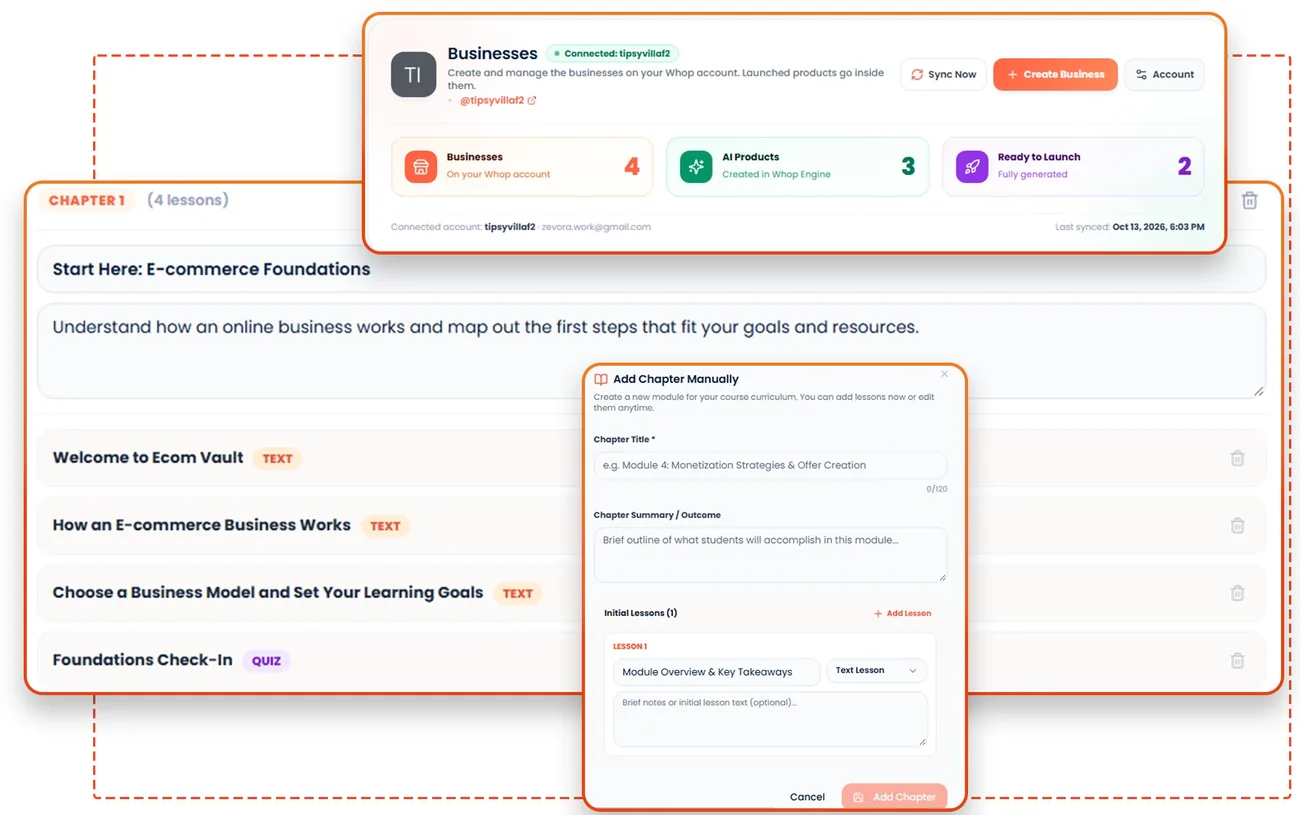
New members decide in the first week whether to stay. A short welcome course plus four weeks of planned posts (tips, challenges, polls and questions) gives them a reason to come back. This is the heavy part for most beginners, and it is the part Whop Engine says it automates, with the AI creating a course with chapters, lessons and quizzes and four weeks of community posts.
Step 4: make it look like a real business
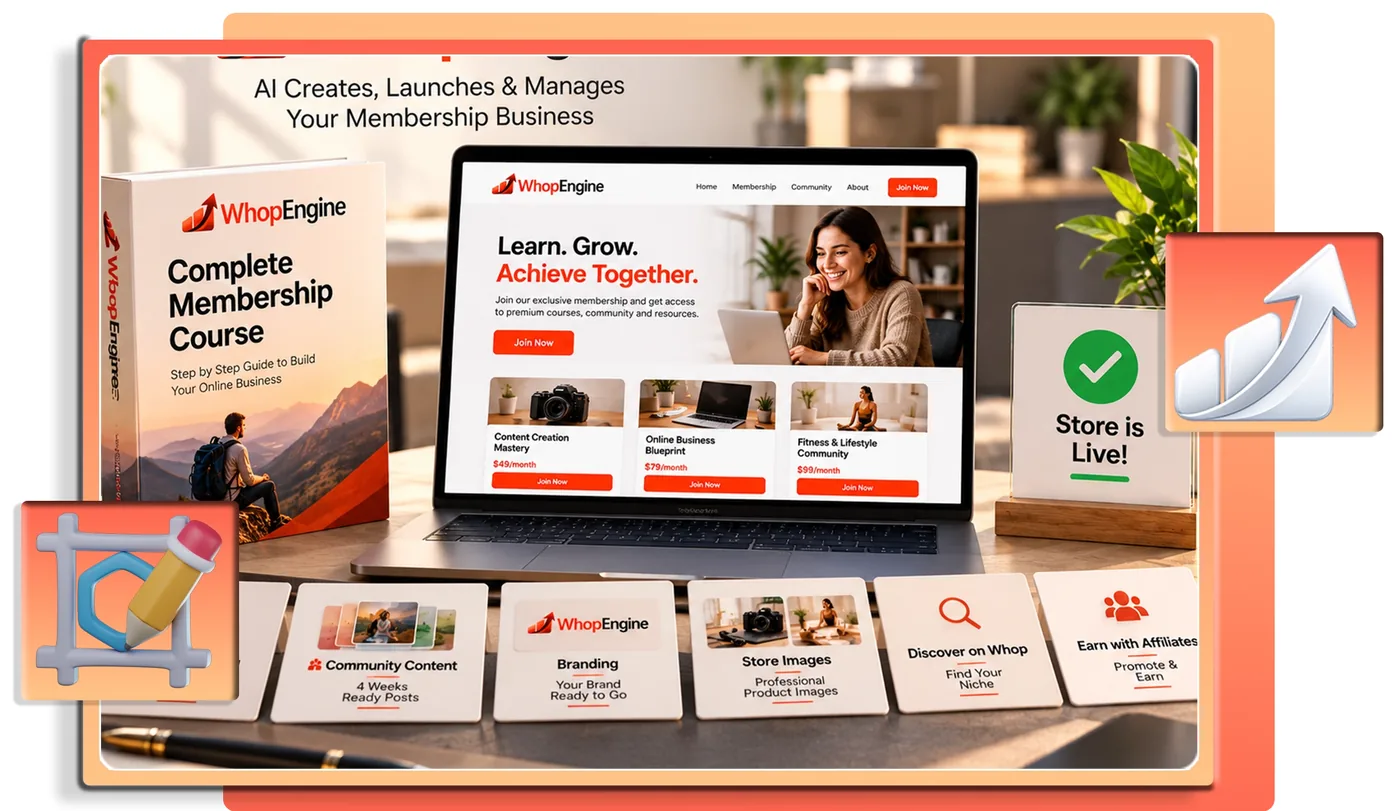
A logo, a banner and clean store images make the page look trustworthy. You can pay a designer, make them yourself or use AI image tools. The vendor says Whop Engine creates a logo, banner and gallery images sized for your Whop store and Discover listing.
Step 5: launch, and know what Whop controls
Launching means creating the store, the product, the pricing, the course, the community, the chat and the checkout. Whop collects payments, handles identity verification and pays you directly, and it reviews Discover submissions before they go live. The vendor says so in its own FAQ. Read Whop’s current terms and fees yourself before you launch.
Step 6: find your first members
This is the step no tool can do for you. A free community, a social profile, an email list and direct outreach are the usual starting points. Whop Discover and affiliates can add reach, but they are not guarantees. We cover that in Whop Discover and affiliates: what they do and do not guarantee.
Where Whop Engine fits
Whop Engine is the vendor’s attempt to do steps 2 to 5 for you. Per the vendor, you connect your own Whop account, pick or type a niche, and the AI creates the offer, pricing, course, posts and visuals, then launches everything in one click for a one-time $14 launch price with a 30-day refund. We cover the details, the upsells and the places the vendor’s pages disagree in our Whop Engine review. It does not do step 6, and we have not tested the output, so treat the refund window as your test.
A simple 14-day plan: how to start a paid membership on Whop
- Days 1 to 2: choose the niche and write the one-sentence offer.
- Days 3 to 5: draft the welcome course and read it as a new member would.
- Days 6 to 8: write or generate four weeks of posts and fix anything that is not true.
- Days 9 to 10: create the logo and store images and set the price.
- Days 11 to 12: launch, then check the checkout yourself as a buyer.
- Days 13 to 14: tell ten people who fit the offer, and ask for honest feedback.
Frequently asked questions about starting a membership on Whop
Do I need an audience to sell a membership on Whop?
Not to set one up. The vendor of Whop Engine says its product opens your offer to Whop’s affiliate network and submits it to Discover, but neither is a guarantee of members. Most memberships still need your own promotion.
Do I need a course to start a membership?
No. A community with useful weekly posts can be a membership. A welcome course gives new members something to start with, which helps them stay.
Can AI build the whole membership for me?
AI can draft the offer, course, posts and images, and a tool like Whop Engine says it does exactly that. You still need to read and edit everything, because facts and tone are your responsibility.
Does a membership guarantee monthly income?
No. It only pays monthly while members stay. Retention and finding new members decide the income.
Where should I look for Whop’s own rules and fees?
On Whop’s own site, at the time you launch. They are not in the vendor materials we use, and they can change.
Final word on how to start a paid membership on Whop
Knowing how to start a paid membership on Whop is mostly knowing the order of the work. A membership pays you again every month that a member stays, which is why people like the model. It also asks more of you than a one-off product, because you need members and fresh content. If you want to compare models first, read one-time digital product vs monthly membership. For more tools worth a look, see our best AI tools for affiliate marketing and our guide to the best AI tools for making money online.
MMO Maker is an affiliate for Whop Engine and earns a commission on purchases through our links, at no extra cost to you, in line with the FTC’s endorsement guidelines. That does not change what we write here. We have not hands-on tested the app, and everything about it comes from the vendor’s own sales page, JV page and JV doc.