If you publish devotionals written with AI, you need a way to check Bible verses in AI devotionals before anything goes live. A confident-sounding quote can still be off by one word, point to the wrong chapter, or be pulled out of its context. This is a five-step routine you can run in about ten minutes per piece, with or without any tool. It is based on what the vendor of FaithForge AI says about its own scripture engine, and we have not tested the platform.

Why you should check Bible verses in AI devotionals every time
Readers trust a devotional because of the verse at its centre. One wrong word can change the meaning, and a reader who notices will not trust the next post. You are also the one whose name is on it, so the check is part of the job, not an optional extra.
AI writing is fast, which is the problem as much as the benefit. It is easy to publish twenty pieces in a week and never read the verses. The routine below makes it small enough that you will actually check Bible verses every time.
Step 1: choose one translation before you check Bible verses
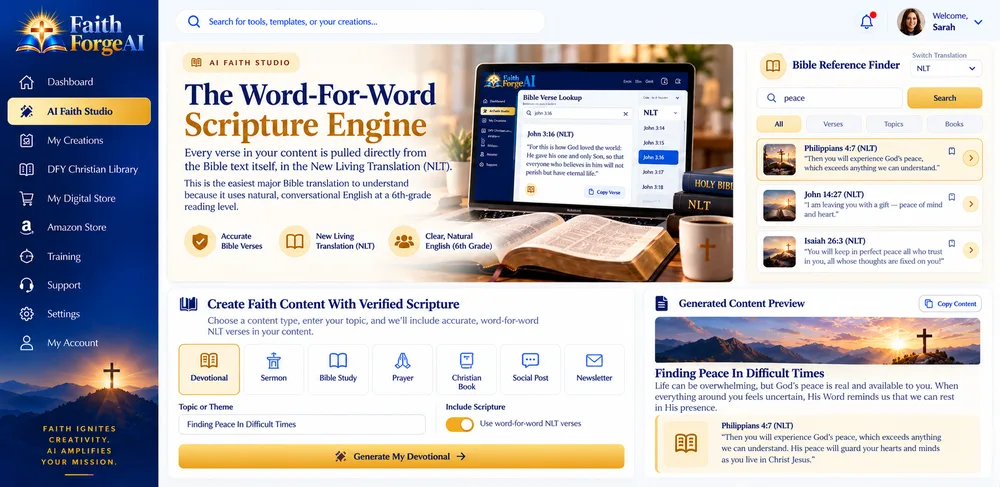
Decide which translation your readers use before you draft. Mixing translations inside a series confuses readers and makes checking harder. If you use a tool, find out which translation it quotes. Per the vendor, FaithForge AI pulls its verses from the New Living Translation, so a series built on another translation would need extra care.
Step 2: look up every verse yourself, word for word
To check Bible verses properly, open a trusted source and compare the verse in the draft with the verse in the Bible, word by word. A free reader such as the NLT on Bible Gateway works well. Check the book, chapter and verse numbers as well as the wording.
Step 3: read the verses around it
A verse can be accurate and still be used badly. Read the sentences before and after it so the reflection does not stretch the passage beyond what it says. If the draft makes a promise the surrounding passage does not make, rewrite it.
Step 4: check the claims around the verse
The reflection, the question and the prayer around the verse are also written by the AI. Read them against your own tradition and your own beliefs. Tools usually let you set a denomination and a tone, and the vendor says FaithForge AI follows the tradition you choose, but only you can confirm that it sounds like your community.
Step 5: keep a simple verse log
Keep one sheet with four columns: the piece, the verse reference, the translation and the date you checked it. It takes thirty seconds per verse and gives you a record that you did check Bible verses for each piece, if a reader ever questions a quote. It also shows you, over a few weeks, how often the drafts needed fixing.
Where FaithForge AI fits in this routine
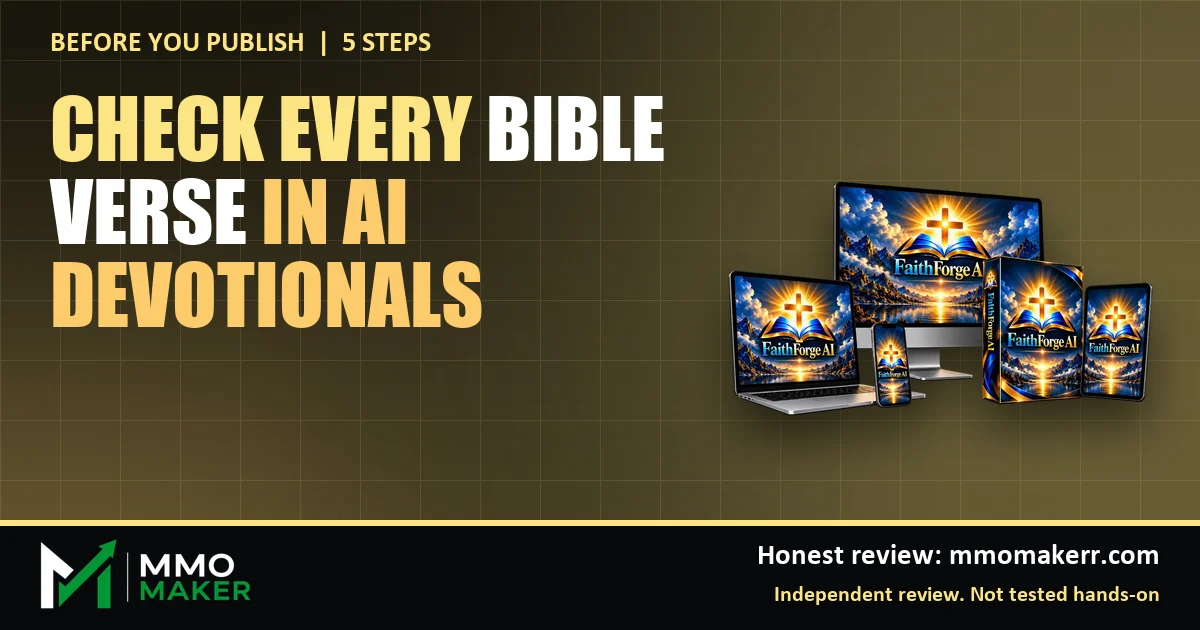
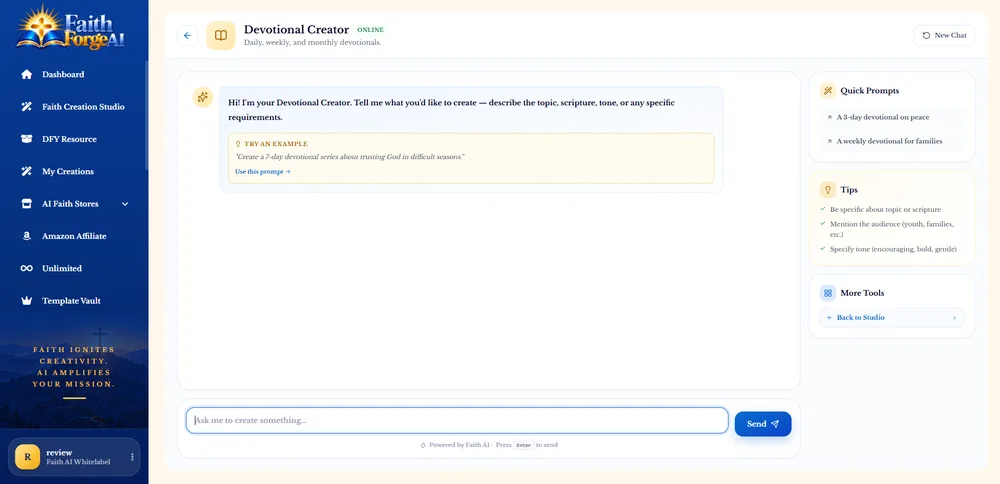
Per its vendor, FaithForge AI turns a verse, a topic or an occasion into devotionals, Bible studies and prayers, has ten faith content creators, and looks up each verse word for word instead of guessing it. The vendor also says nothing is published without your approval. That is a design choice that supports the routine above, but it is the vendor’s description and we have not generated anything with it.
If you want the full picture, including the pricing, the coupon codes and the places where the vendor’s own pages disagree, read our FaithForge AI review. If you are weighing the upgrades, see our guide to FaithForge AI OTOs.
A 10-verse test to check Bible verses inside the refund window
- Generate five short devotionals on topics you know well.
- Look up all ten verses in the drafts against your chosen translation.
- Note any wording differences, wrong references or verses used out of context.
- Read the reflections and prayers for tone and doctrine.
- Decide inside the 30-day refund window whether the time saved is worth keeping the product.

Common mistakes to look for when you check Bible verses
Most errors in AI-written devotionals fall into a few repeat patterns. Knowing them makes the check faster, because you know where to look first.
- A paraphrase presented as a quote. The draft puts quotation marks around words that are a loose summary, not the text of any translation.
- A reference that is off by one. The wording is real, but the chapter or verse number points to the wrong place.
- Two translations mixed in one verse. The first half reads like one version and the second half like another.
- A verse pulled out of its context. The words are accurate, but the surrounding passage says something different from the point the reflection makes.
- A saying that is not in the Bible at all. A familiar line such as “God helps those who help themselves” is often credited to Scripture, but it is not in the Bible.
If you find any of these, do not just patch the sentence. Check the paragraphs before and after it too, because one slip often hides another.
A copy-and-paste checklist before you publish
Paste this under every draft and tick each line before the piece goes live.
- The translation is the one my readers use, and I have not mixed versions.
- I looked up every verse and compared it word for word.
- The book, chapter and verse numbers are correct.
- I read the verses before and after, and the reflection does not stretch the passage.
- Any quotation marks surround real Scripture, not a paraphrase.
- The reflection and prayer fit my tradition and my own beliefs.
- I logged the verse, the translation and the date.
How long it takes, and when to slow down
For a short devotional with one or two verses, the routine takes about ten minutes once you have done it a few times. For a longer study with many references, plan more time and check every reference, not a sample. Slow down whenever a draft uses a verse you do not know well, makes a doctrinal claim, or quotes a passage that is often misquoted. A tool can speed up the draft. It cannot take over the responsibility for what you publish.
Frequently asked questions about checking Bible verses in AI devotionals
Can AI quote the Bible wrongly?
Yes. A general AI writing assistant can produce a confident-sounding quote that is off by a word or attributed to the wrong verse. That is why every verse needs a human check against the Bible text, whatever tool wrote the draft.
Does FaithForge AI look up verses or guess them?
Per the vendor, each verse is looked up word for word from the Bible text (New Living Translation) instead of being recalled by the AI. We have not tested it, so check a sample of verses yourself.
How many verses should I check?
All of them for anything you publish. If you are producing content in bulk, check every verse in the first batch and then at least one in five after that, and log what you find.
Is it wrong to use AI for faith content?
That is a personal and pastoral decision. What we can say is that the faith, the subject and the final approval should stay with you, and the vendor says the same about its own platform.
Final word on checking Bible verses in AI devotionals
The tool that wrote the draft is not the one that answers to your readers. A short routine, run every time, is what keeps a devotional series trustworthy. Whatever you use, make it a habit to check Bible verses and keep the final approval for yourself. For more AI tools reviewed the same way, see our guides to the best AI tools for affiliate marketing and the best AI tools for making money online.
MMO Maker is an affiliate for FaithForge AI and earns a commission on purchases through our links, at no extra cost to you, in line with the FTC’s endorsement guidelines. That does not change what we write here. Everything about the product comes from the vendor’s own sales page, JV page and JV documentation, and we have not tested it hands-on.