Knowing how to test an AI suite in 30 days is what separates a sensible purchase from an impulse buy. Most launch products come with a refund window, and the only way to use it is to have a plan. This guide gives you one, using GeminAI 4.0 as the worked example. It is a pre-launch product with a 30-day risk-free guarantee on the vendor’s graphic, a $17 front end and a very long feature list, which makes it a good case for a structured test.
How to test an AI suite in 30 days, day 0: before you buy
Here is how to test an AI suite without letting the sales page set your expectations.
Write down three things you want the suite to do for you, in plain words. For example: draft one article, make a short video and build a landing page. Add what you pay today for those tasks. This is your baseline, and it keeps the vendor’s list of 17 features from setting your expectations. Then read the live sales page and checkout, and note the refund terms and the date your window closes.
Days 1 to 3: how to test an AI suite starts with support
Get access and ask support what exactly you receive, which limits apply and what the commercial license covers. Note how fast and how clearly they answer. Support quality is part of what you are buying. Our seven questions to ask before buying a one-time-fee AI suite is a ready list.
Days 4 to 10: how to test an AI suite with real tasks
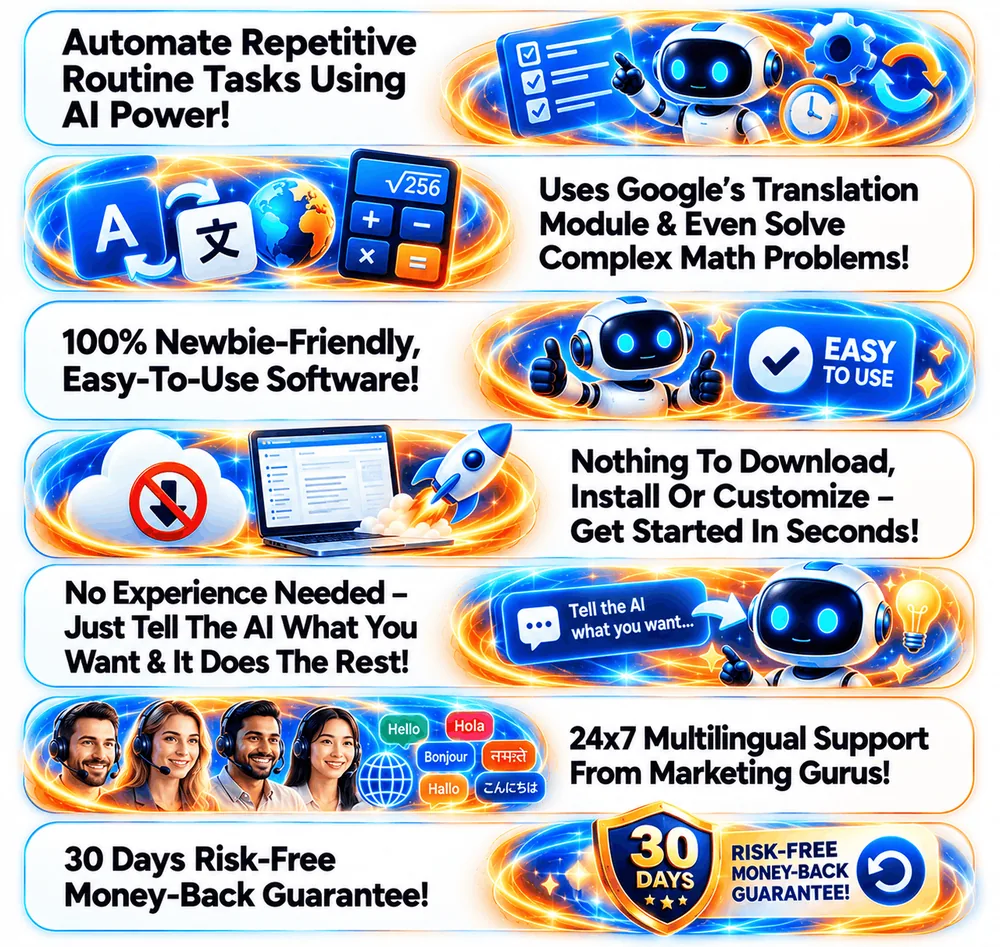
Do the three tasks from day 0, plus up to three more that matter to you. For GeminAI 4.0, the vendor’s graphics describe writing, images, video, music, coding, web design and agents, but you only need to test what you will use. Time each task and save the outputs.

Days 11 to 20: how to test an AI suite against what you already use
Run the same task in the tool you use today and compare quality, speed and cost. If the suite is not at least as good where you need it, that is your answer. Record every limit you hit, such as caps, queues or missing features.
Days 21 to 27: how to test an AI suite’s biggest claims
Pick the three vendor claims that drove your decision and check them against reality. If the vendor says the suite connects to certain platforms, connect one. If it says a feature is unlimited, push it. Note anything that does not match the sales page.
Days 28 to 29: decide
Score the suite on four things: did it do the tasks, was it as good as what you use, did support help and did the claims hold. If two or more answers are no, ask for the refund now, not on day 30.
Day 30: the last safe day to test an AI suite
How to test an AI suite well is mostly about timing. Do not wait for the last day. Refund requests can take time, and some processes need a written request. Keep your receipt, screenshots of what the software did and a copy of your messages to support.
A simple scorecard for how to test an AI suite
- Task results: did each real task work? (yes or no)
- Versus my current tool: better, same or worse.
- Limits hit: list them.
- Support: answered clearly and quickly? (yes or no)
- Vendor claims: how many of the three claims held up?
For what we found, and could not verify, about GeminAI 4.0 before launch, read our GeminAI 4.0 review.
Frequently asked questions about testing an AI suite
Why test inside a refund window?
Because the refund window is the only time you can reverse the decision for free. A test with a deadline is more honest than a plan to try it later.
How many tasks should I try?
Four to six real tasks across the areas you actually need, not a tour of every feature.
What counts as a pass?
It does a real task as well as or better than the tool you already use, within the limits the vendor described, and support answers your questions clearly.
When should I ask for a refund?
As soon as you are sure it will not be useful, and well before the window ends. Keep your receipt and notes.
Should I buy the upgrades before testing?
No. Test the front end first, then decide whether any upgrade removes a limit you actually hit.
Final word on how to test an AI suite in 30 days
A test with a deadline and a scorecard takes the emotion out of the decision. If you want to know what to watch for in the promo material itself, read red flags in AI tool launch pages. For the upgrade side of this product, see GeminAI 4.0 OTOs explained. For more tools worth comparing, see our best AI tools for affiliate marketing and our guide to the best AI tools for making money online.
MMO Maker is an affiliate for GeminAI 4.0 and earns a commission on purchases through our links, at no extra cost to you, in line with the FTC’s endorsement guidelines. That does not change what we write here. We have not hands-on tested the software, and everything about it comes from the vendor’s own JV page, graphics and JV doc, because its sales page was not live when we checked.