Launch pages for AI tools all sound alike: unlimited, instant, no experience needed. That makes red flags in AI tool launch pages easy to miss. This guide lists the warning signs we look for when we review a product, with examples from our GeminAI 4.0 review. A red flag is not proof of a scam. It is a prompt to slow down and check.
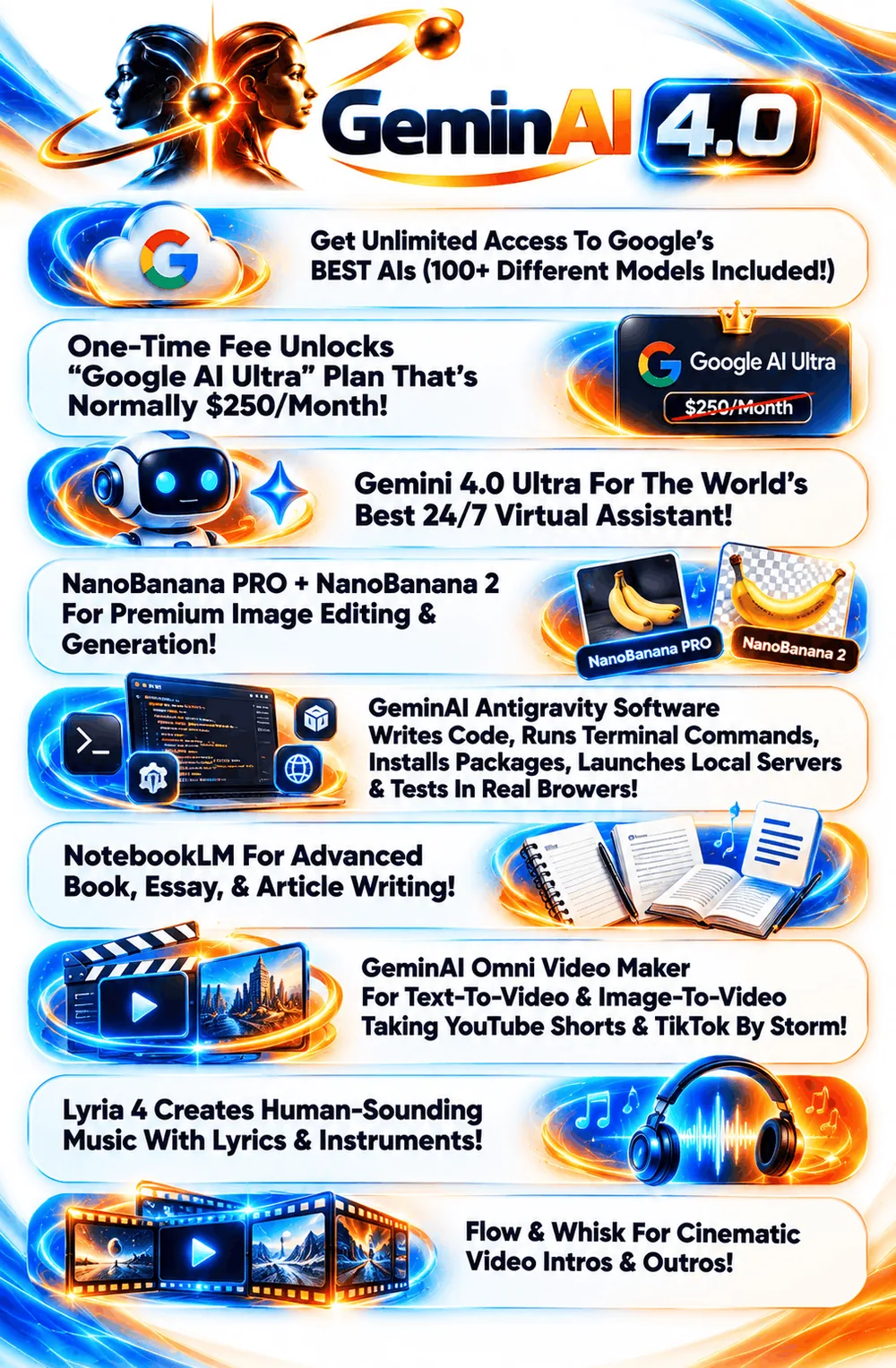
Red flag 1 in AI tool launch pages: no demo and no live sales page
If you cannot see the product working, you are buying a description. GeminAI 4.0’s sales page said “Coming Soon” and its materials had no demo video when we checked, so our review is explicit that nothing is hands-on tested.
Red flag 2 in AI tool launch pages: documents that contradict each other
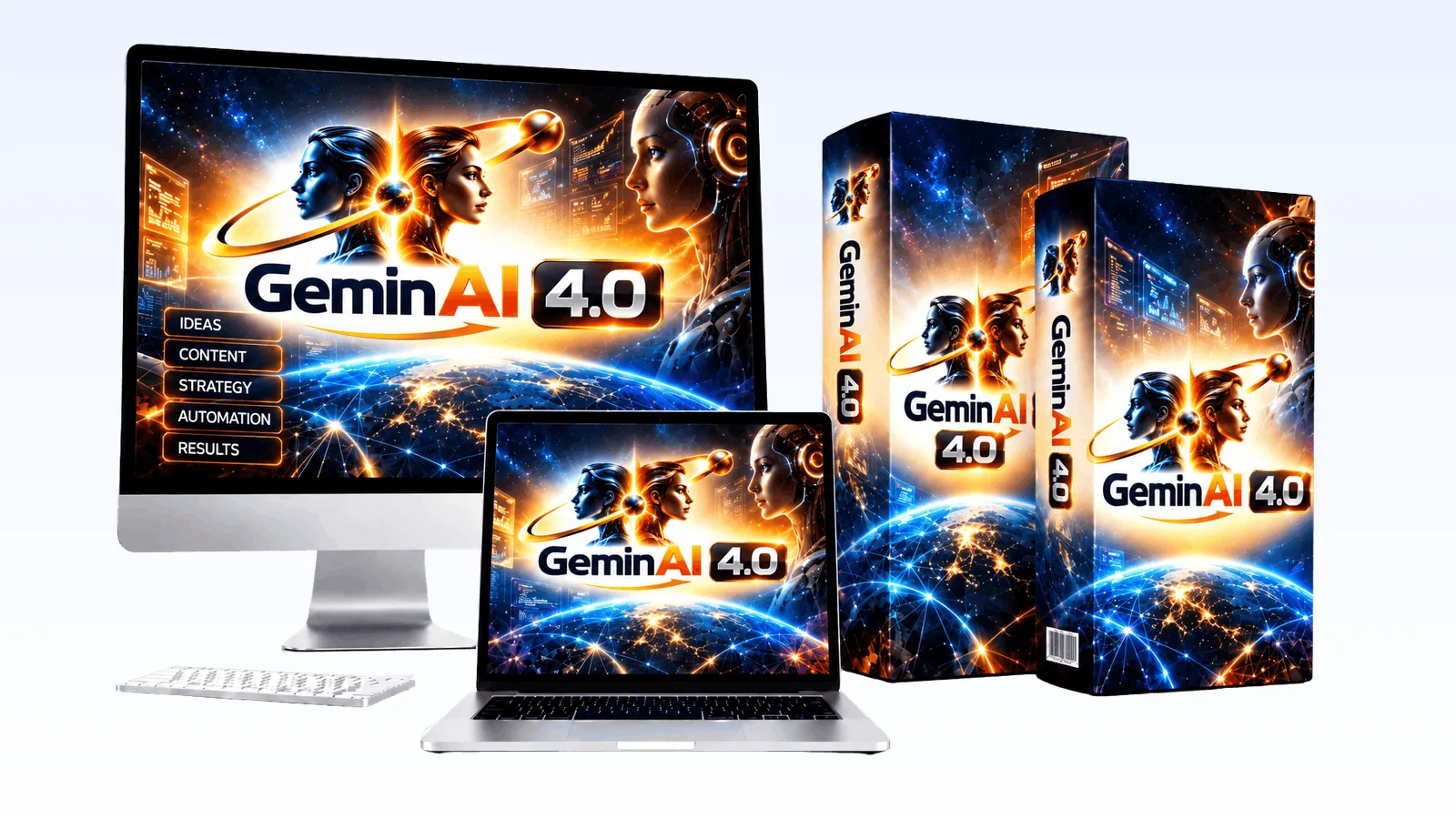
When a vendor’s JV doc, JV page and sales page disagree, one of them is wrong. In our review, the doc described OpenAI models and the product name “Chat 6.0 Astra”, while the page graphics described Google and Gemini tools. Reused text from another launch is common, but it makes verification harder.
Red flag 3: a big saving that is not explained
A one-time fee that replaces plans sold monthly by other companies needs an explanation of how. If the page only repeats the comparison, ask. Unexplained savings are classic red flags in AI tool launch pages. We cover this in our list of questions to ask before buying a one-time-fee AI suite.
Red flag 4 in AI tool launch pages: unsourced numbers
“24,500+ customers”, “170% faster than other AIs” and “writes better code than 70% of programmers” are examples of numbers with no shown source or test. Treat them as marketing until you see evidence. Unsourced numbers are among the red flags in AI tool launch pages that cost buyers the most.

Red flag 5: promises no tool can keep
“Achieve No. 1 rankings in Google for any keyword” is a promise no software can make. If a page makes it, the rest of the page deserves more scrutiny. It is one of the clearest red flags in AI tool launch pages.
Red flag 6: third-party brand names with no partnership shown
Using another company’s product names to describe features is not unusual, but it can create the impression of a partnership. Look for any real evidence of one. If there is none, treat the names as the vendor’s description. Our review says plainly that we found no sign of a partnership.
Red flag 7 in AI tool launch pages: a funnel that is hard to read
Several upgrades are normal. An unclear funnel is a warning. If two vendor documents show different upgrade lists or prices, wait for the live checkout. We unpack the example in GeminAI 4.0 OTOs explained.
Red flag 8: pressure with no real reason
Real deadlines exist, such as a launch window. Countdown timers that reset and fake scarcity do not. A clear opening and closing date, like the October 22 to 28 window in the vendor’s JV doc, is the honest version. Fake urgency is the opposite, and it is another of the red flags in AI tool launch pages.
What to do when you see red flags in AI tool launch pages
- Do not buy in the first minutes. Read the live sales page and checkout.
- Ask support specific questions and wait for written answers.
- If you still want to try it, buy the front end only and follow a plan like how to test an AI suite in 30 days.
- Request the refund early if the product does not match the page.
See what we could and could not verify in our GeminAI 4.0 review.
Frequently asked questions about red flags in AI tool launch pages
Does a red flag mean a product is a scam?
No. It means a claim needs checking. Many launch pages are rushed or reuse material. The point is to ask questions, not to assume the worst.
What is the biggest red flag?
Claims you cannot verify combined with no way to see the product. A demo, a live sales page and clear terms reduce the risk a lot.
Are big numbers always a red flag?
Not always, but numbers without a source (customers, speed, savings) should be treated as marketing.
Does a refund policy remove the risk?
It reduces it. You still lose time, so test quickly and keep your receipt.
Where can I check a product’s claims?
On the live sales page, the checkout, the providers’ own sites for any plan being compared, and by asking support in writing.
Final word on red flags in AI tool launch pages
Learning to read red flags in AI tool launch pages is about protecting your time and money, not about distrusting everything. Good products survive these questions easily. For more tools we have vetted the same honest way, see our best AI tools for affiliate marketing and our guide to the best AI tools for making money online.
MMO Maker is an affiliate for GeminAI 4.0 and earns a commission on purchases through our links, at no extra cost to you, in line with the FTC’s endorsement guidelines. That does not change what we write here. We have not hands-on tested the software, and everything about it comes from the vendor’s own JV page, graphics and JV doc, because its sales page was not live when we checked.