The ArgonMAX AI commercial license is one of the vendor’s biggest selling points: the sales page says that your purchase includes a commercial license, so you can use what you generate for your clients and sell what you create. If you are a freelancer, a marketer or a small agency, that line decides whether the tool is a hobby or part of your business. This guide explains exactly what the vendor says, what it does not say, and a practical seven-step way to use ArgonMAX AI for client work without overpromising.
What the ArgonMAX AI commercial license covers, per the vendor
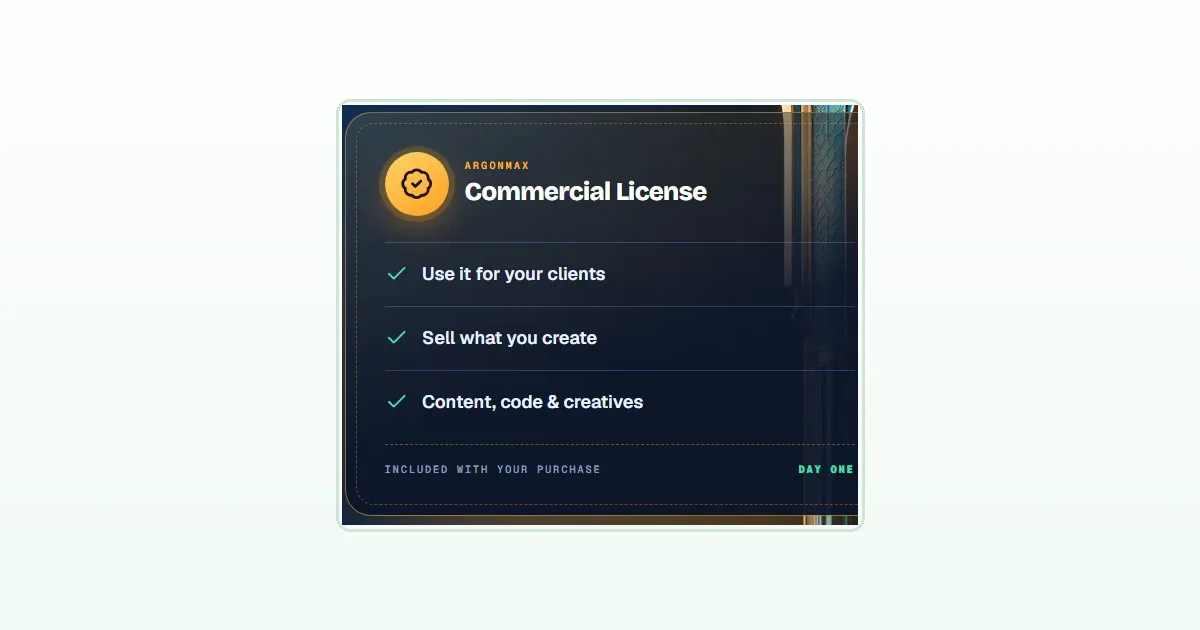
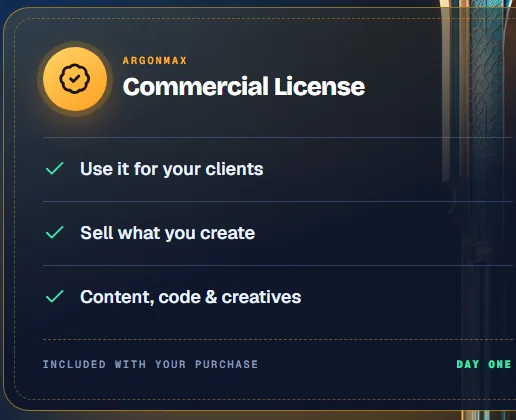
The sales page headline for the license is “Use it for your clients and sell what you create”. It lists three things: use it for your clients, sell what you create, and content, code and creatives. It says the license is included with your purchase from day one, and it adds the line “Results are not typical. No income is guaranteed.” The sales page also says the vendor’s agencies and freelancers section is “commercial license included” for client work. That is everything the vendor’s pages say about the license, and the license text is not published there.
What the vendor does not say
- It does not publish the full license terms, so any limits on resale, redistribution or credit are unknown to us.
- It does not say whether the license covers generated images and videos that need Creative Studio credits.
- It sells separate Agency, Reseller, Whitelabel and Enterprise upgrades, which suggests the front-end license is narrower than those editions.
- It does not say what happens to the license when the product moves to a monthly subscription after launch.
We cover these and other open points in our ArgonMAX AI review.
Who the license suits
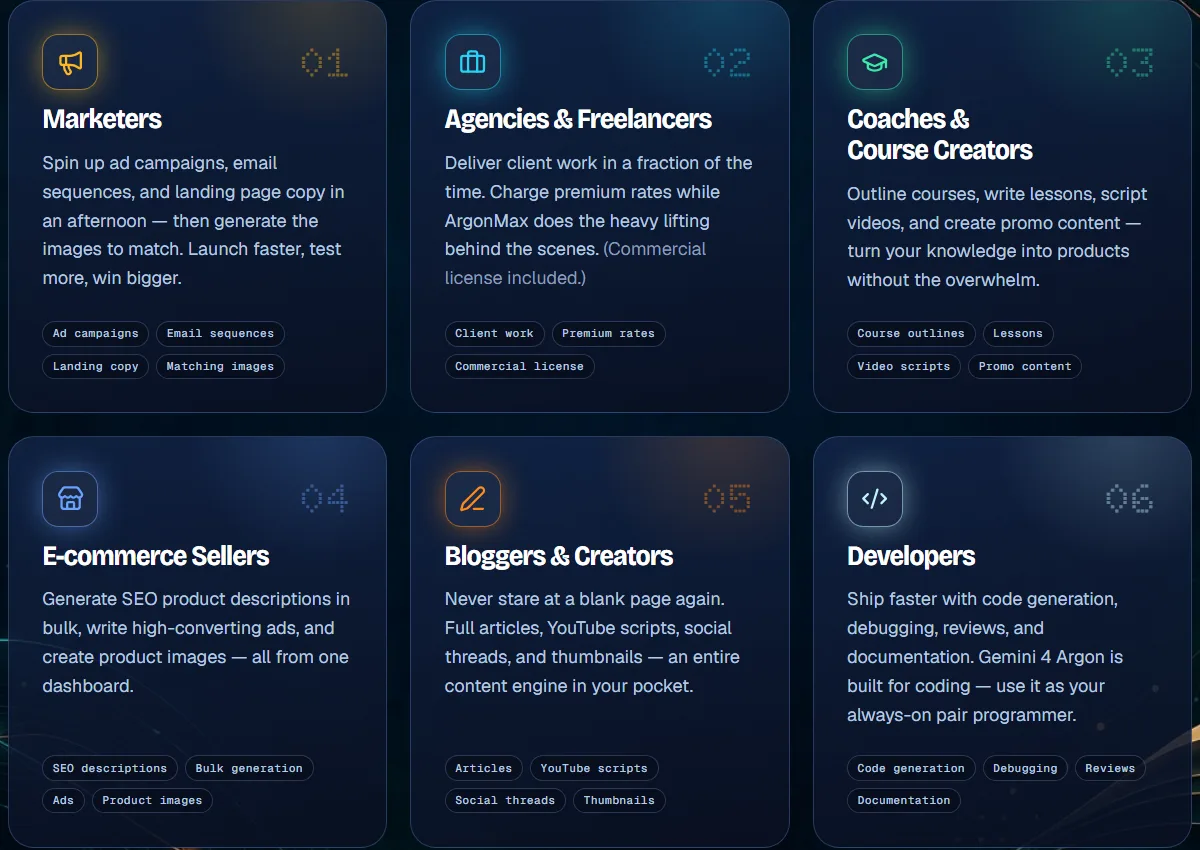
The vendor’s sales page names six kinds of buyer, and four of them can use the license directly: marketers (ad campaigns, emails and landing copy), agencies and freelancers (client work), e-commerce sellers (bulk SEO product descriptions and ads) and bloggers and creators (articles, scripts and captions). If you do none of this for other people, the commercial license matters much less.
7 steps to use ArgonMAX AI for client work
1. Read the license terms in your account
The vendor says a commercial license is included, but its sales page does not publish the license text. Read the terms you are given at purchase and keep a copy.
2. Pick one service you can deliver
Choose a narrow job, such as product descriptions, email sequences or social captions. The vendor names these as typical outputs of the Writer and the Bulk Generator.
3. Draft with the Writer and a persona
Use a template such as Marketing Strategist or Cold Email Writer, set the tone and length, and generate a first draft in your client’s voice.
4. Edit hard
Treat the output as a strong first draft. Fix facts, claims and style before it goes anywhere near a client.
5. Use Chat With PDF on client documents
The vendor says you can upload reports and ask for summaries. Only upload documents you are allowed to share, and check the summary against the source.
6. Batch the repetitive work
For a product catalog, paste a list into the Bulk Generator with one instruction, such as an 80-word SEO description, and review each result.
7. Be clear with clients
Tell clients how you work and who stands behind the final output. You are responsible for what you deliver, not the tool.
Which tools help most with client work
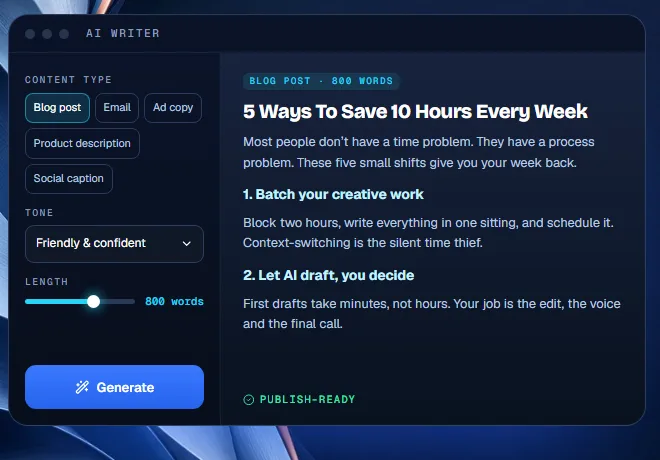
- AI Writer: blog posts, emails, ad copy, product descriptions and social captions, with tone and length options.
- Templates and personas: 100+ ready-made roles, such as Marketing Strategist, SEO Consultant and Ad Copywriter.
- Bulk Generator: one instruction across a pasted list, up to 20 items at once per the vendor.
- Chat With PDF: summaries and answers from long documents.
- Creative Studio: images and short videos, with credits per the vendor’s footnote.
The vendor’s agency starter kit bonus
The vendor’s fourth PDF bonus is an “AI Client-Getter Agency Starter Kit”, described as a practical PDF with service ideas, outreach scripts, proposal copy and onboarding workflows, with a vendor-stated value of $97. We have not opened it, and the vendor’s values are not market prices. It is a reasonable place to start if you want to turn the license into a small service. The full bonus list is in the review.

An example of using the ArgonMAX AI commercial license, without hype
Picture a freelance copywriter who writes product descriptions for small online shops. With the ArgonMAX AI commercial license, per the vendor, the content they generate is theirs to use for those clients. They paste a shop’s product list into the Bulk Generator with one instruction, read every draft, fix the facts and the tone, and deliver the result under their own name. The tool saved drafting time.
It did not find the client, check the product details or take responsibility for the final text. That example is ours, not the vendor’s, and it is not a promise that you will earn anything. It simply shows where the ArgonMAX AI commercial license fits in a real workflow and where your own judgment still has to do the work.
What to be careful about
- Do not promise income. The vendor itself says results are not typical.
- Do not promise zero editing. AI drafts can contain errors, so review every client deliverable.
- Check the commercial license before reselling. The front-end license and the Reseller edition are different things.
- Protect client data. Do not upload confidential documents unless the client agrees and you understand where the data goes.
- Know the rules where you work. Copyright and disclosure rules for AI-generated material vary, and this guide is not legal advice.
Is it worth $17 for client work?
If you already do repeatable content jobs for clients, a one-time $17 with a 30-day refund is a low-risk way to see whether it saves you drafting time. Run one real client-style job through it in your first week and decide from the result. If you need to know which upgrades matter for agency work, see ArgonMAX AI OTOs explained, and if the “unlimited” claim worries you, read is ArgonMAX AI really unlimited.
A simple 14-day plan to test it on a client-style job
- Days 1 to 2: read the license terms and the quick-start guide, and pick one narrow service.
- Days 3 to 5: build a sample for an imaginary or friendly client, such as 10 product descriptions or one email sequence.
- Days 6 to 8: edit the drafts hard, fact-check them and compare the time spent with how long you would take by hand.
- Days 9 to 10: try Chat With PDF and the Bulk Generator on a real-sized task and note any limits.
- Days 11 to 12: write a short, honest description of the service and what you will and will not promise.
- Days 13 to 14: decide inside the 30-day guarantee whether it saves you enough time to keep.
Questions to ask ArgonMAX AI support about the license
- Can I see the full commercial license text before and after purchase?
- Does it cover images and videos created with Creative Studio credits?
- May I deliver the output under my own brand, and do I need to credit ArgonMAX?
- What exactly do the Agency and Whitelabel upgrades add beyond the front-end license?
Frequently asked questions about the ArgonMAX AI commercial license
Does ArgonMAX AI include a commercial license?
Yes, per the vendor. Its sales page says the purchase includes a commercial license so that the content, code and creatives you generate are yours to use for clients and to sell. The license text itself is not published on the pages we checked.
Can I resell ArgonMAX AI access?
That is a different thing. The vendor sells a separate Reseller edition (OTO 7, $67) that it says is subject to license terms. Do not assume the front-end license lets you resell access.
Does ArgonMAX AI guarantee income from client work?
No. The vendor’s own sales page says results are not typical and no income is guaranteed.
Is there an agency or white-label version?
The vendor’s funnel lists Agency ($97), Whitelabel ($197) and Enterprise / Team ($127) upgrades. The details beyond one-line notes are not published.
Do I need to disclose that I use AI for client work?
Rules and client expectations vary, and we are not giving legal advice. A simple, honest note about how you work protects your reputation and your client relationship.
Final word on the ArgonMAX AI commercial license
A commercial license is only as useful as the terms behind it, and a commercial license that you have not read is a risk, not an asset. The ArgonMAX AI commercial license is a real selling point, and it is also a line you should verify rather than assume. Read the terms you receive, keep your claims modest, edit everything and let the refund window be your test. For more tools to compare, see our guide to the best AI tools for making money online, our best AI tools for affiliate marketing and our GeminAI 4.0 review.
MMO Maker is an affiliate for ArgonMAX AI and earns a commission on purchases through our links, at no extra cost to you, in line with the FTC’s endorsement guidelines. That does not change what we write here. Everything about the product comes from the vendor’s own sales page, JV page and JV doc. Our founder has also been through the product manually and rates it as good, but we have not published detailed test results, so claims we could not confirm are labeled as the vendor’s.