
Between Black Friday and Christmas, Pinterest fills up with people typing “gift for dad who has everything” and “gifts under $50”. Holiday gift guide pins are built for exactly that moment: a pin that answers a gift search and sends the shopper to a page of picks, with your Amazon affiliate link on each one. This guide covers how to plan, design and post them. The tips are our own general advice; facts about CommissionPilot AI come from the vendor’s own pages.
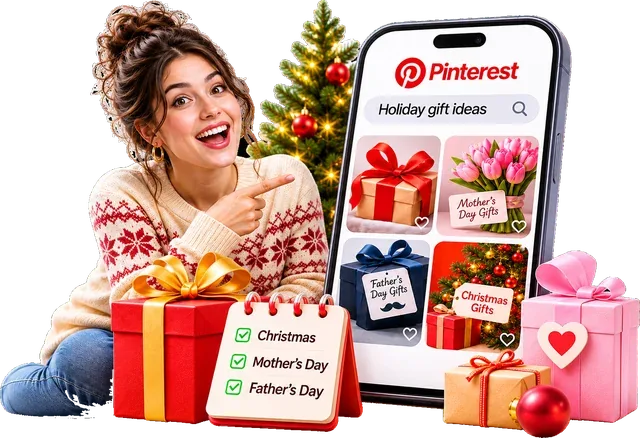
Gift pins, video pins and hosted gift pages, posted daily, $17 one time.
Check Today’s CommissionPilot AI Price →
Not sure yet? Read our honest CommissionPilot AI review first.
Why holiday gift guide pins work so well
Gift shoppers arrive with intent and a deadline. They are not browsing for inspiration only; they need to buy something soon. A pin titled “10 grill gifts dad will actually use” matches their search, promises a shortlist and saves them time. That is why gift pins tend to be the most natural fit for Amazon affiliate links.
There is a bonus on Amazon’s side too. As the CommissionPilot AI sales page explains, Amazon pays on qualifying items bought within 24 hours of the click. Gift shoppers often add more than one item, so the cart can be bigger than the product you pinned.
Step 1: Plan your holiday gift guide pins around the gift calendar
The big moments are Christmas and the wider holiday season, then Valentine’s Day, Mother’s Day and Father’s Day, plus birthdays all year. Shoppers plan early: CommissionPilot AI’s Done For You upgrade, for example, prepares holiday packs about 45 days ahead of each season. Our tip: pin for the next season while the current one is still running, because a pin can keep being found for months.
Step 2: Choose the right products for holiday gift guide pins
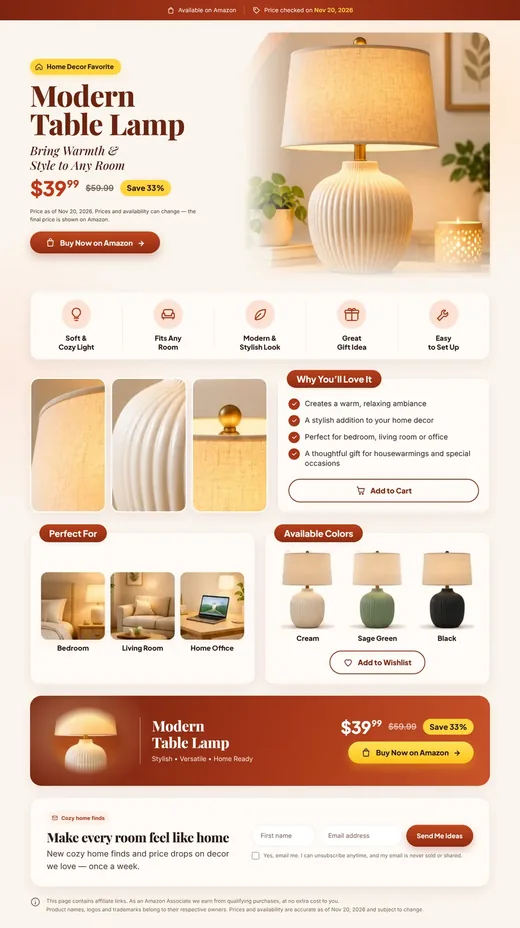
Look for products that are easy to understand at a glance, well reviewed on Amazon, and priced where people buy gifts without overthinking. Grill sets, air fryers, cozy throws, spa sets, dog walking sets and STEM toys are the examples on the CommissionPilot AI pages. Mix a few bigger-ticket items in: a larger cart means a larger commission at the same rate. Our tip: group products by recipient (“for dad”, “for dog moms”, “for the grill lover”), not by category.
Step 3: Write titles that match gift searches
Use the shopper’s words: who it is for, the occasion and, if it helps, a price point. “Christmas gift for the grill lover”, “gifts for mom under $40”, “7 self-care gifts she’ll love”. Put the most important words first, and keep the description honest about what the page shows. Add the season to the title only on the seasonal version, so the evergreen version keeps working after the holidays.
Holiday gift guide pins by recipient: title ideas you can adapt
These are example angles, our own suggestions, to show how a recipient-first title reads. Swap in your niche and the products you actually feature.
- For dad: “Grill gifts dad will actually use”, “Gifts for the dad who has everything”.
- For mom: “A spa day at home for mom”, “Kitchen gifts every busy mom wants”.
- For pet lovers: “Things every dog mom needs”, “Cozy holiday picks for your pup”.
- For kids: “Toys kids actually play with”, “Screen-free gifts for the weekend”.
- For the home: “Cozy finds under $50”, “Movie night, extra cozy”.
- By budget: “Gifts under $25”, “Big gifts worth splurging on”.
Notice the pattern: the recipient or the budget comes first, the benefit second. That is how people type gift searches, and it is how holiday gift guide pins get matched to them. Keep one board per recipient so your profile reads like a gift shop, and add new pins to the board that fits rather than to one giant holiday board. When the season ends, keep the evergreen boards and archive only the date-specific pins.
One more practical point: check that the products you feature are in stock and still well reviewed before you pin them, and again in the busy weeks. A pin that leads to an unavailable product wastes the click and the shopper’s time. Holiday gift guide pins work best when the page behind them is current.
Step 4: Design holiday gift guide pins people stop for
Use a clear product image, large readable text, and one message per pin. Make four versions per product: a gift idea pin, a lifestyle pin, a top-picks list and a holiday special. This is the same one-product-four-pins pattern the CommissionPilot AI examples follow, and it gives Pinterest more chances to match your pin to different searches. A short video pin of the product in use is worth adding too.

Step 5: Send holiday gift guide pins to a gift page, not straight to a product
A gift page can show several picks, explain who each is for, and carry your affiliate disclosure where people see it before they click. That matches Pinterest’s own guidance to be clear about affiliate links. Keep the page short, fast on a phone, and make the buy buttons obvious.
Step 6: Post steadily through the season
Post a few pins every day rather than all of them at once, and keep going after the holiday itself: post-Christmas and January searches (“gift card ideas”, “late gifts”, “New Year reset”) still exist. Our tip: refresh your best-performing gift pins with a new image every couple of weeks instead of only making new ones.
How CommissionPilot AI handles holiday gift guide pins
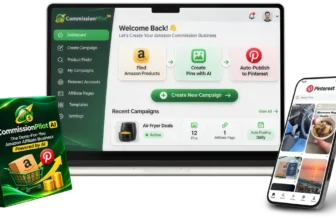
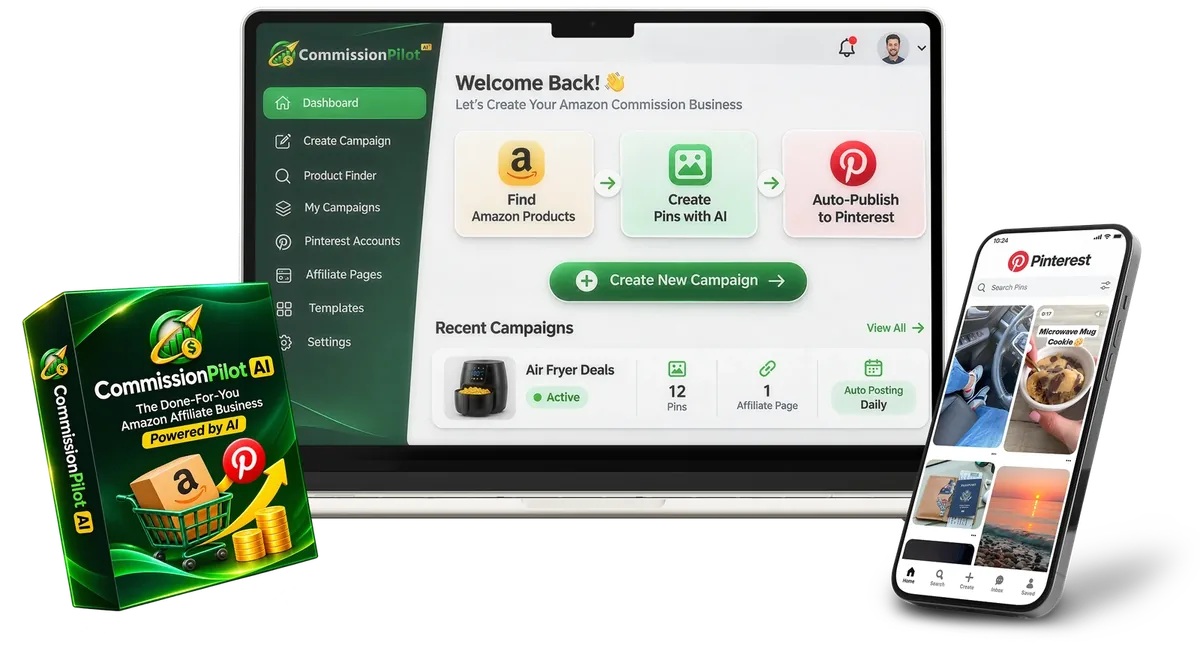
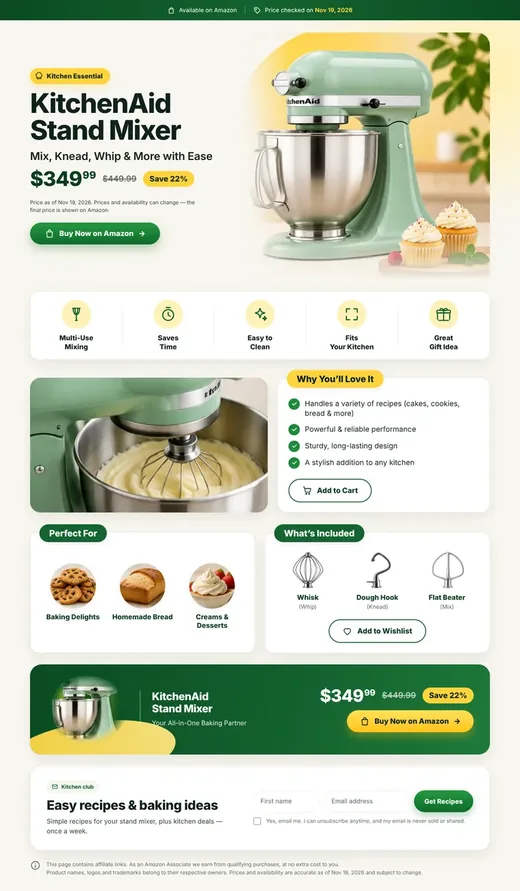
CommissionPilot AI builds this whole workflow for each product: it finds the product and shows the estimated commission, makes several pin styles including gift idea and holiday special pins plus a video pin, builds a hosted gift page with the Amazon disclosure, and posts about 5 pins a day to your Pinterest through its official connection.
It costs $17 one time (Personal) or $27 (Commercial) during the launch, with a 30-day refund, according to its sales page. The launch cart closes on Monday, November 30, 2026 at 11:59 PM EST. Our CommissionPilot AI review rates it 4.3 out of 5 and explains the monthly pin caps.
Holiday gift guide pins: a quick checklist
- One recipient and one occasion per pin.
- Four versions per product, including a seasonal one.
- Titles in the shopper’s words, most important words first.
- A gift page with a visible affiliate disclosure.
- A few pins a day, every day, from early in the season to after it.
- Check saves and clicks every two weeks and make more of what works.
No pin strategy can promise sales; results depend on your niche, products and the traffic you build. But gift season is when buyers are most ready to click, so it is the best time to start.
FAQ
When should I start posting holiday gift guide pins?
Early. Shoppers plan weeks ahead of each gift season, so start holiday gift guide pins well before the date and keep them running after it.
How many holiday gift guide pins should I make per product?
Around four: a gift idea pin, a lifestyle pin, a top-picks list and a seasonal special. Different angles match different searches.
Do holiday gift guide pins need a disclosure?
Yes. If a pin or the page behind it carries affiliate links, disclose it clearly, in line with Pinterest’s, Amazon’s and the FTC’s rules.
Can holiday gift guide pins keep working after Christmas?
Yes. Evergreen versions (gifts for dad, gifts under $50) keep getting found, and the next season, Valentine’s Day, starts soon after.
Can a tool make holiday gift guide pins for me?
Yes. CommissionPilot AI makes gift idea and holiday special pins, a video pin and a hosted gift page per product, then posts them daily.
Ready when you are
Get CommissionPilot AI before the gift season peaks
- ✅ Finds best-selling Amazon products and shows your estimated commission per sale
- ✅ Makes pins, a video pin and a hosted affiliate page for every product with AI
- ✅ Posts fresh pins to your Pinterest every day through Pinterest’s official connection
- ✅ No API keys, no per-pin charges, quick-start training included
- ✅ Vendor bonuses plus MMO Maker’s own bonus pack; coupon COMMISSION20 listed in the JV doc
$17 one time (Personal) or $27 (Commercial) at launch · 30-day money-back guarantee
The launch cart closes Monday, November 30, 2026 at 11:59 PM EST, per the vendor’s JV page.
Read our full CommissionPilot AI review: pros, cons, limits and every upgrade
Affiliate link: MMO Maker earns a commission if you buy, at no extra cost to you.
Read our full CommissionPilot AI review
Browse more tools in our Affiliate & Marketing Automation category, see our guide to the best AI tools for affiliate marketing in 2026, or our guide to the best AI tools for making money online.
Disclosure: MMO Maker earns a commission if you buy CommissionPilot AI through our links, at no extra cost to you.